Order-Picker: Processing orders quickly and accurately
by Marcel Krippendorf
Picking with your mobile phone – which is in your pocket anyway
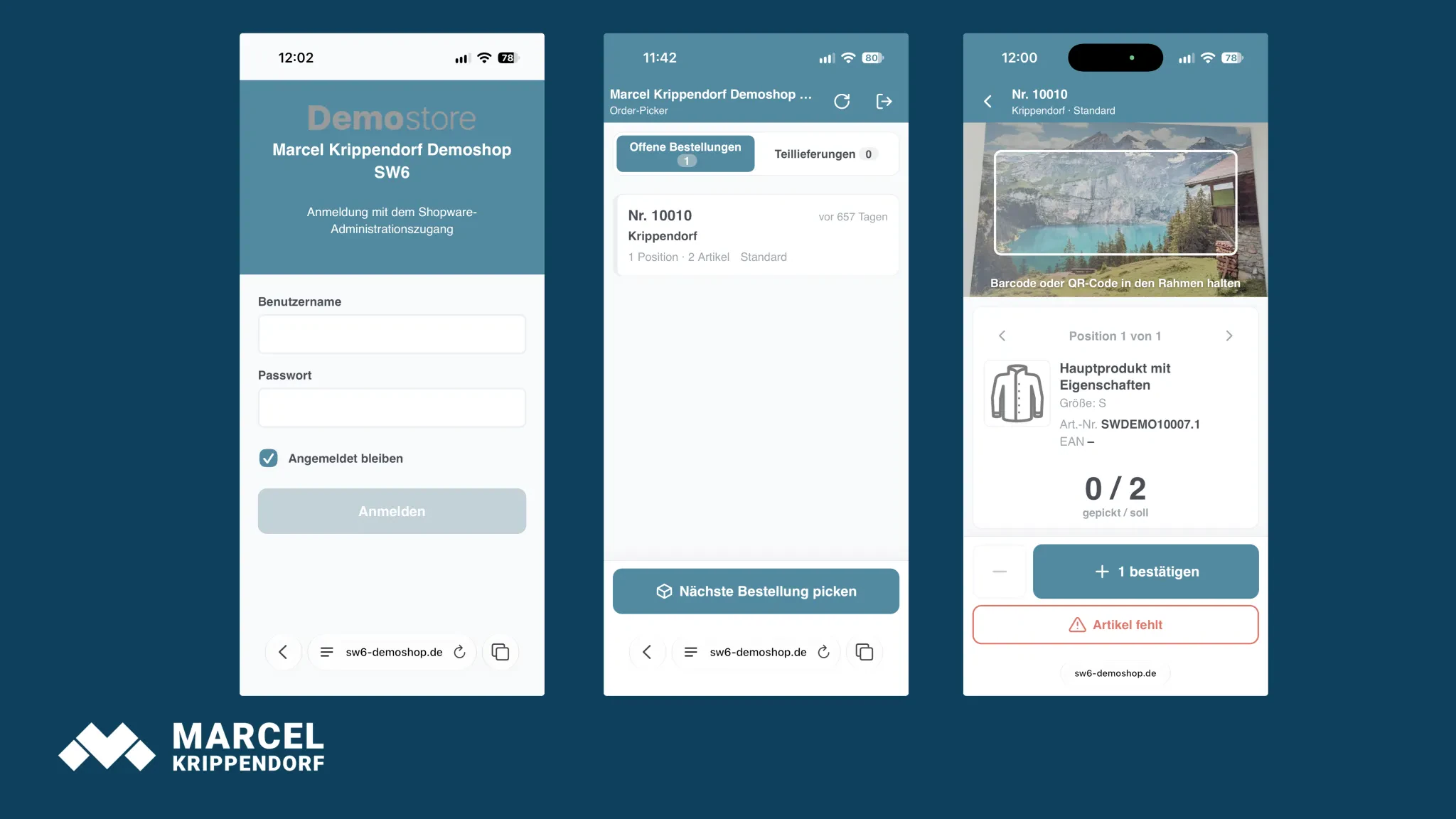
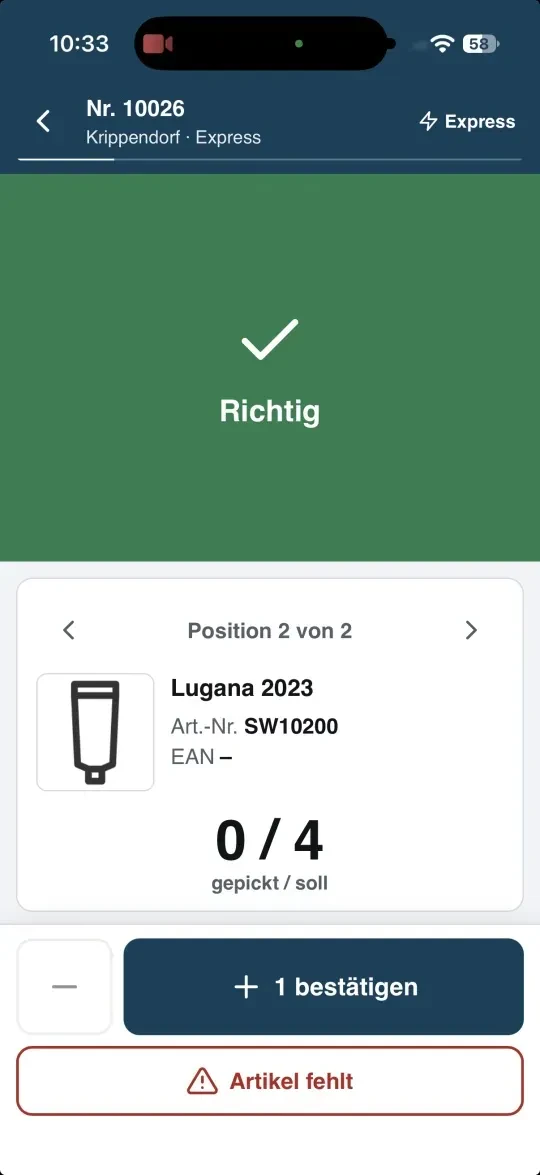
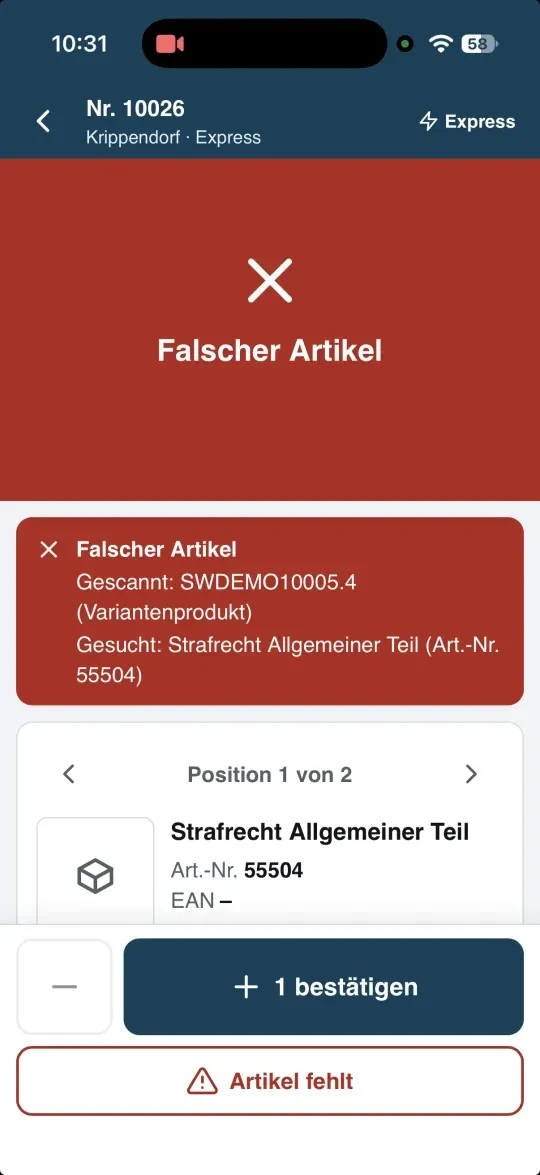
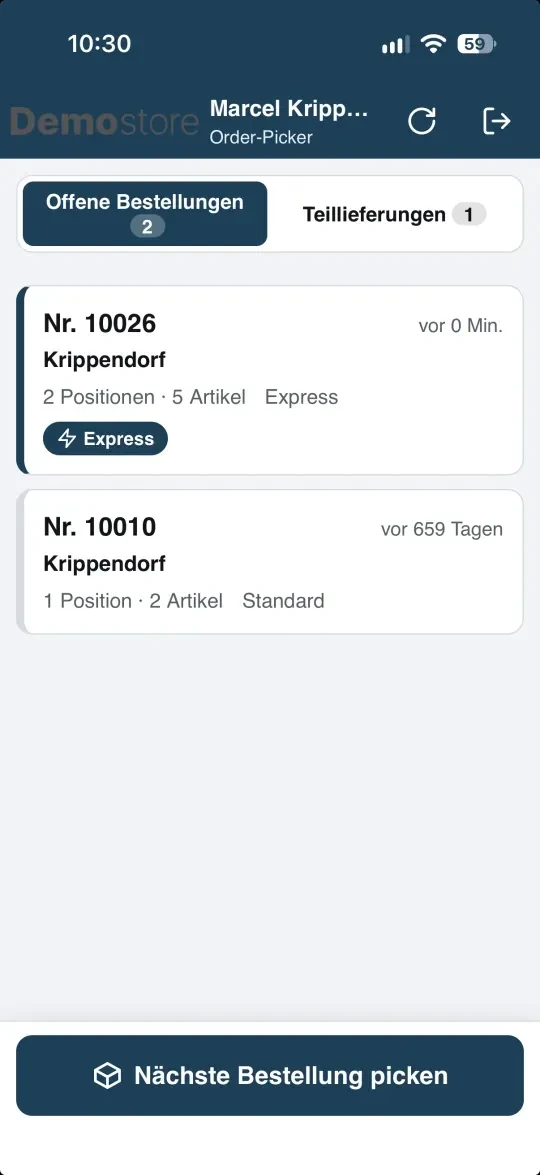
With Order-Picker, any smartphone becomes a barcode scanner. Your staff open a web app in the warehouse, view the outstanding orders and scan each item using the camera. If the item is correct, there’s a short beep and the camera screen turns green. If they’re holding the wrong item, it turns red, and the app shows which item is actually required. You don’t need a handheld scanner or separate warehouse software for this.
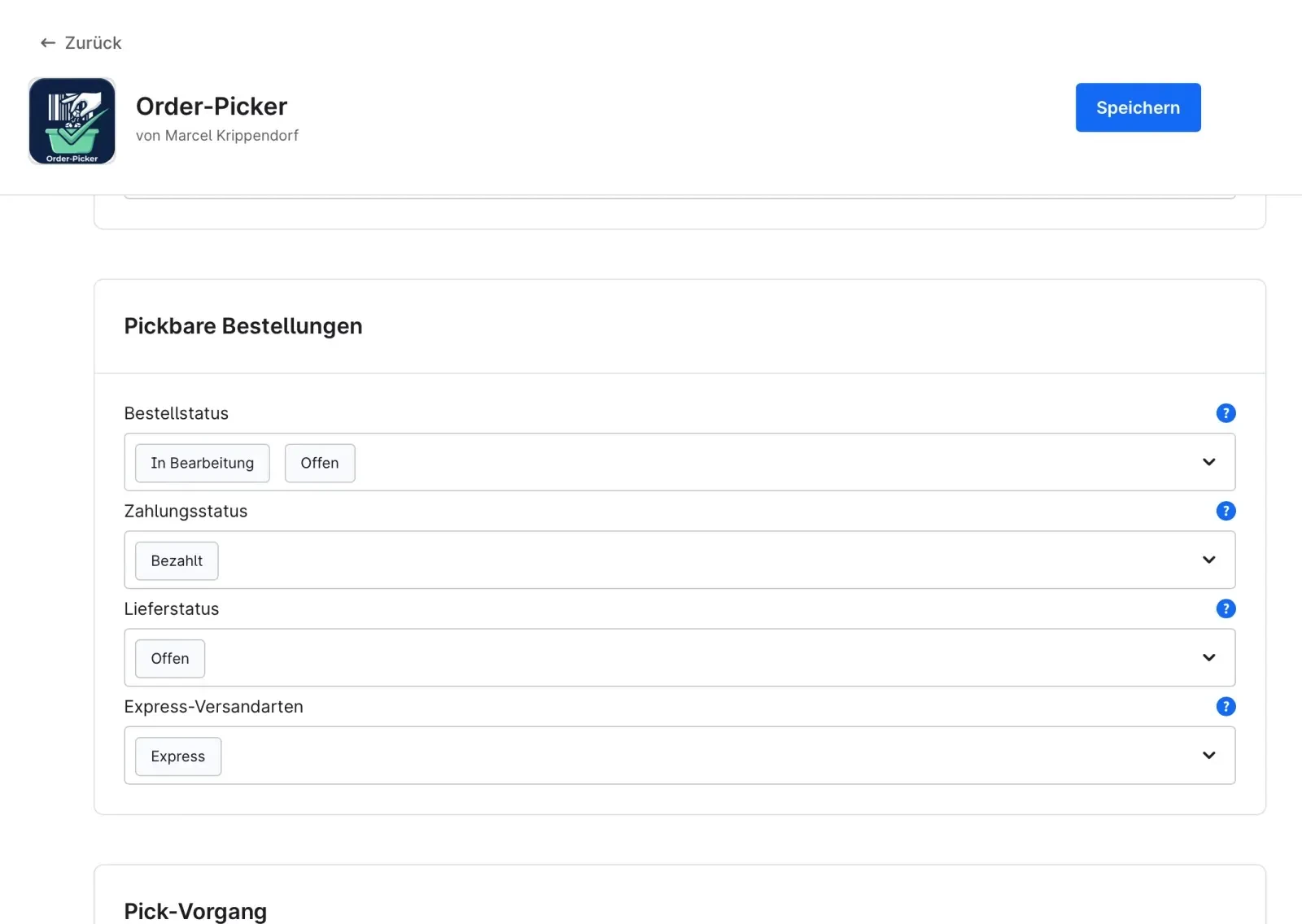
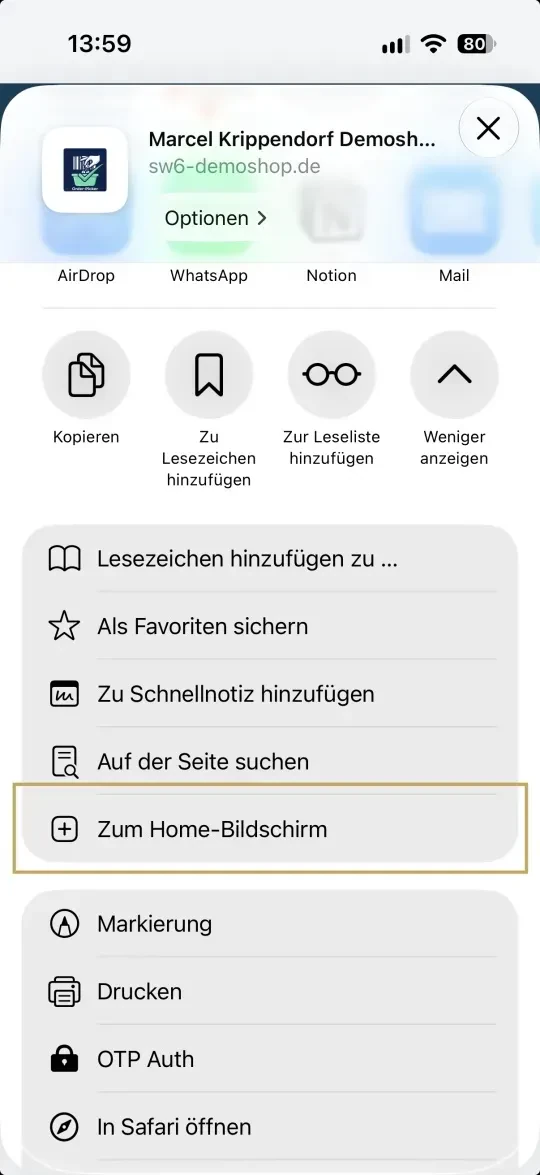
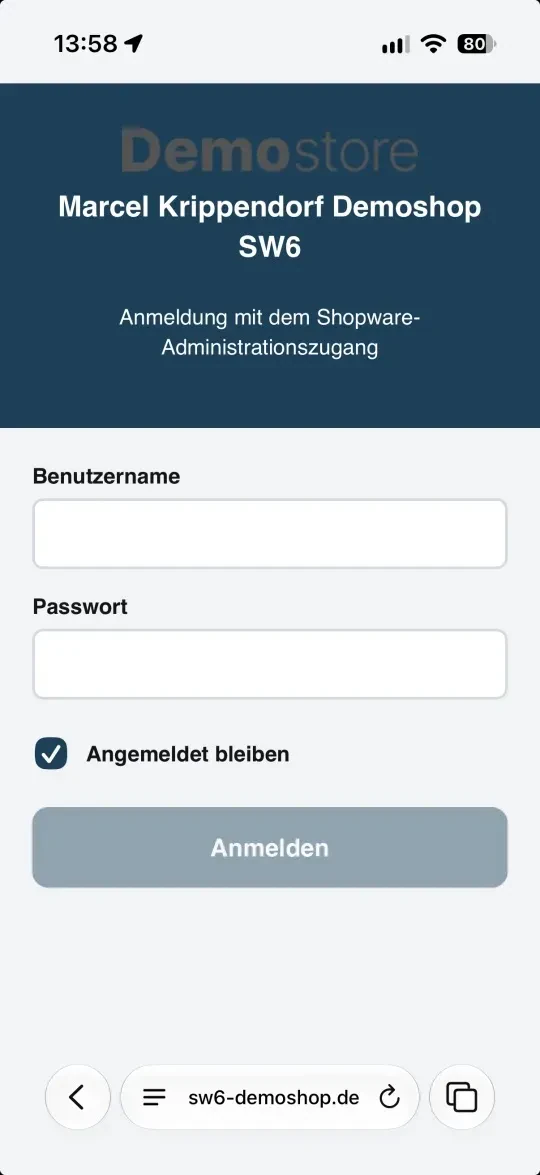
The app runs at your shop address (`/admin/picking`) and uses the Shopware administration login. Anyone logged in there can get started straight away. The app takes the colours, logo and shop name from your theme. Placed on the home screen, it launches just like a normal app.
No more errors
Every scan is precisely matched against the EAN, product number and manufacturer’s item number of the ordered item. Once the quantity of an item has been reached, the app moves on to the next one. Two devices cannot process the same order at the same time, and a barcode that remains in the frame is only counted once.
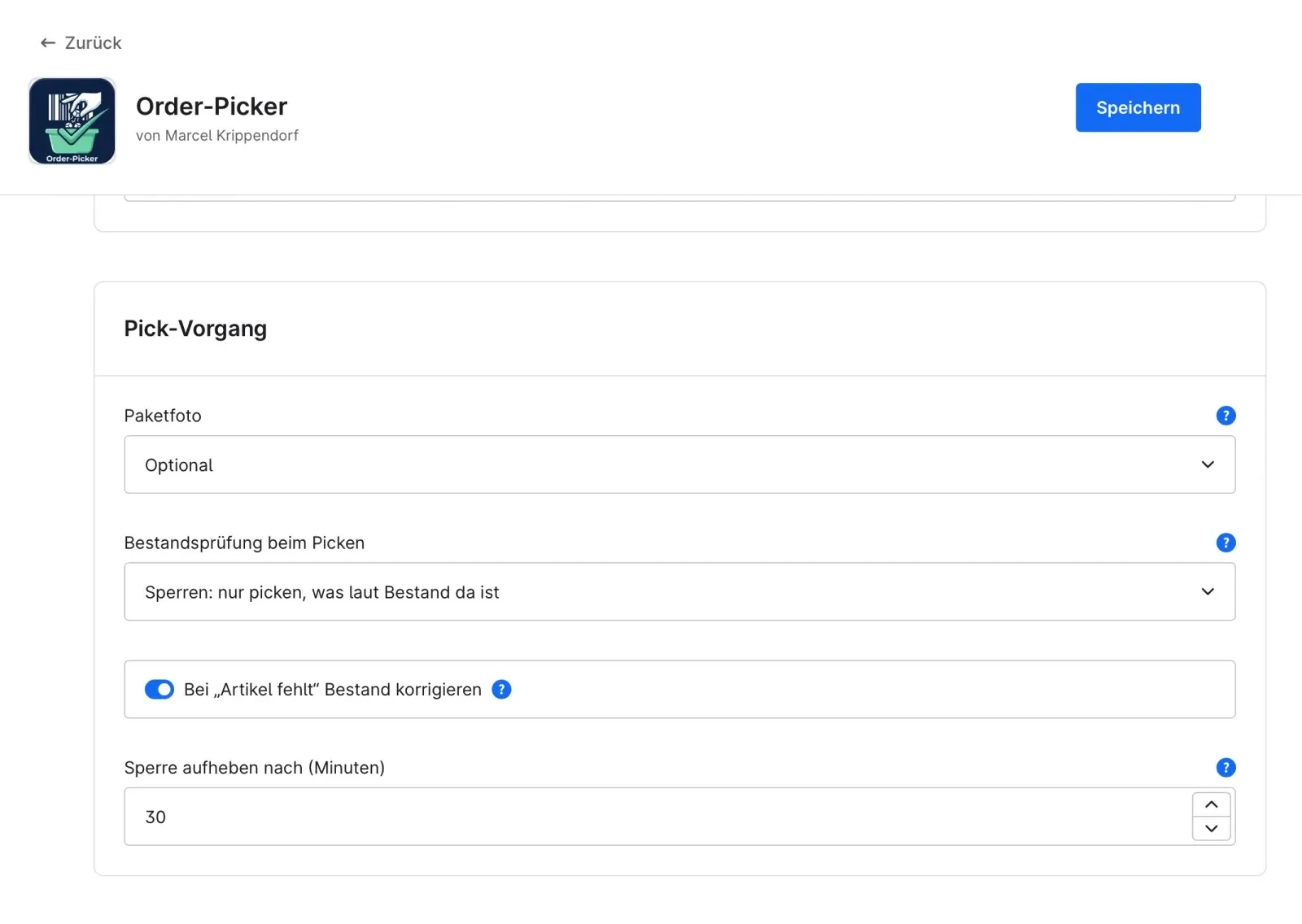
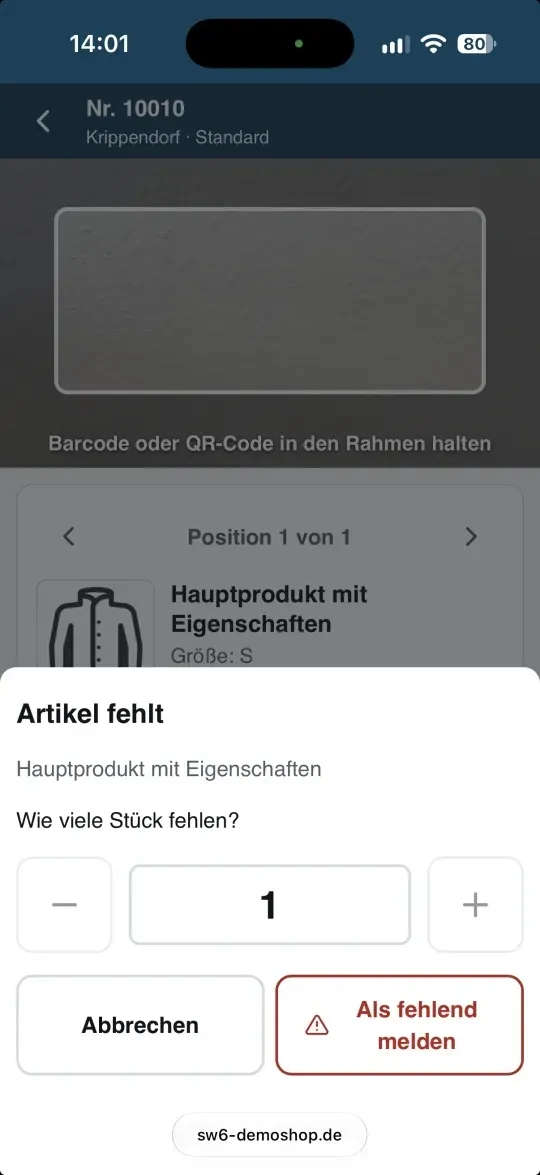
If an item is missing
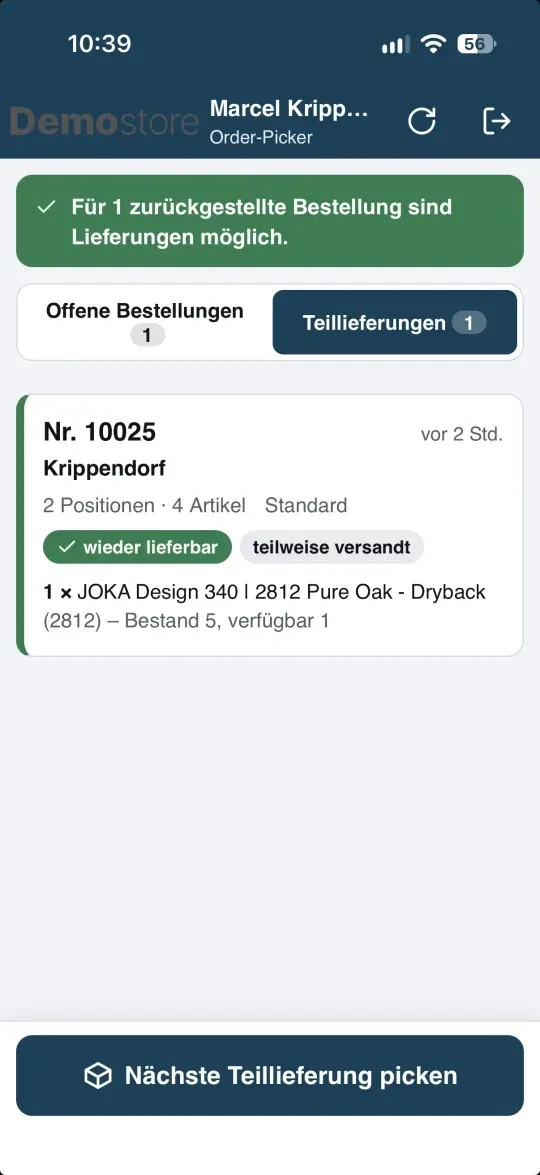
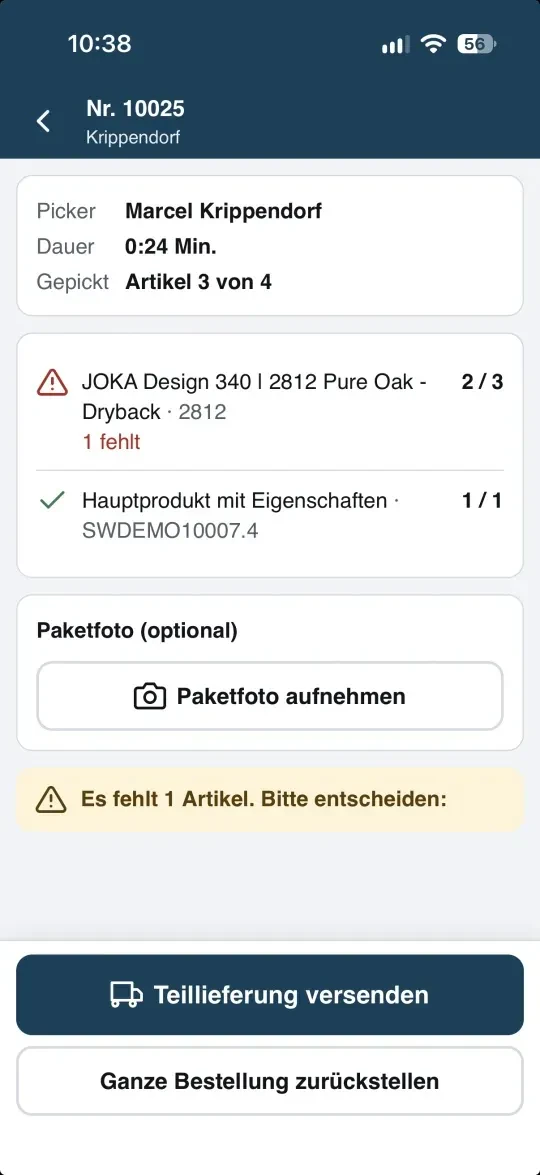
If something is missing from the shelf, the picker reports this with a tap. If desired, Order-Picker sets the stock level of the item to 0 so that it is no longer sold in the shop. The picker then decides: send a partial delivery or put the whole order on hold. Both options end up in the ‘Partial deliveries’ tab.
If further stock arrives and there is sufficient stock, the app displays a notification. The remaining delivery contains only the missing items, and the delivery note clearly states ‘Remaining delivery’.
Completion with delivery note, dispatch label and dispatch email
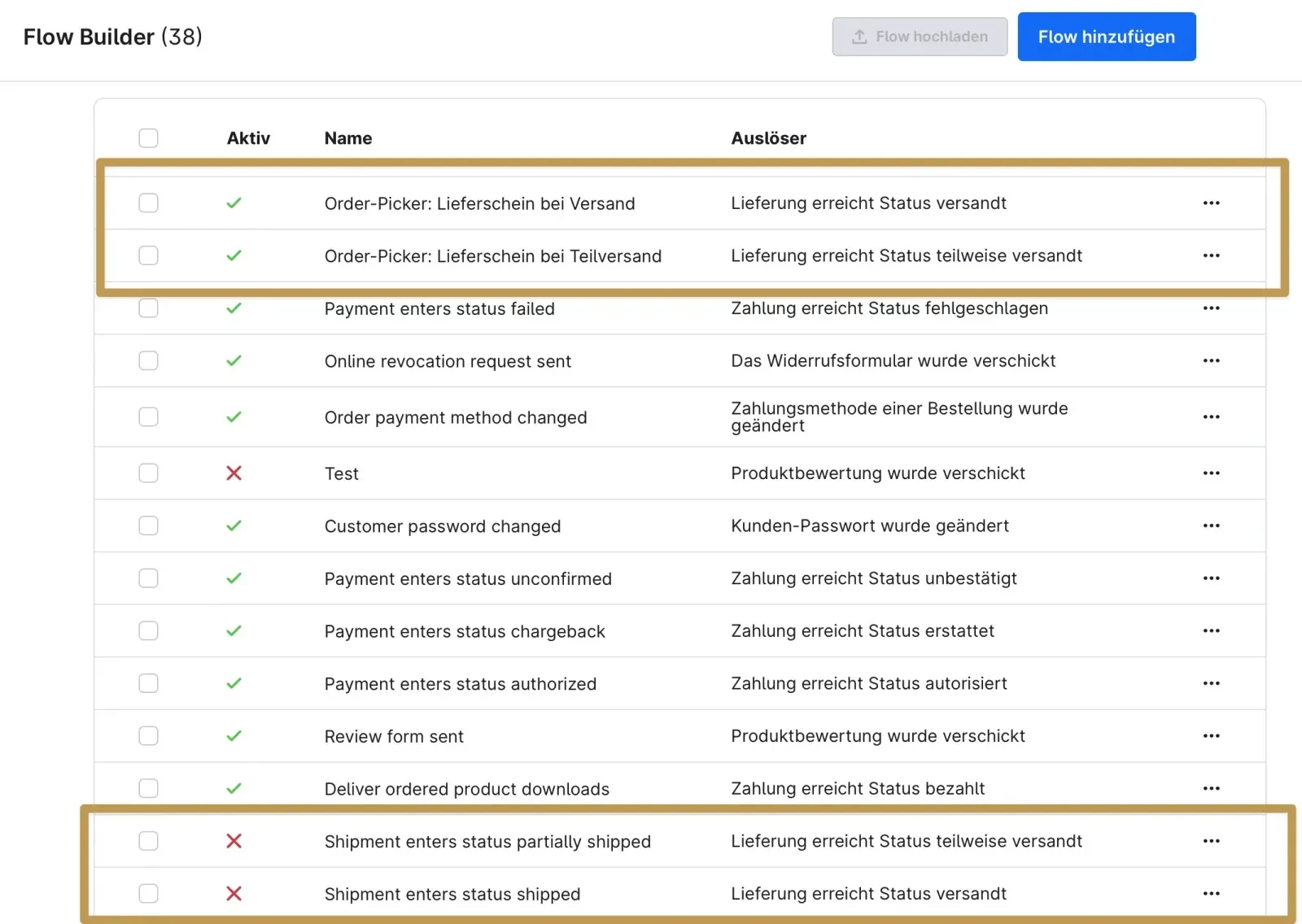
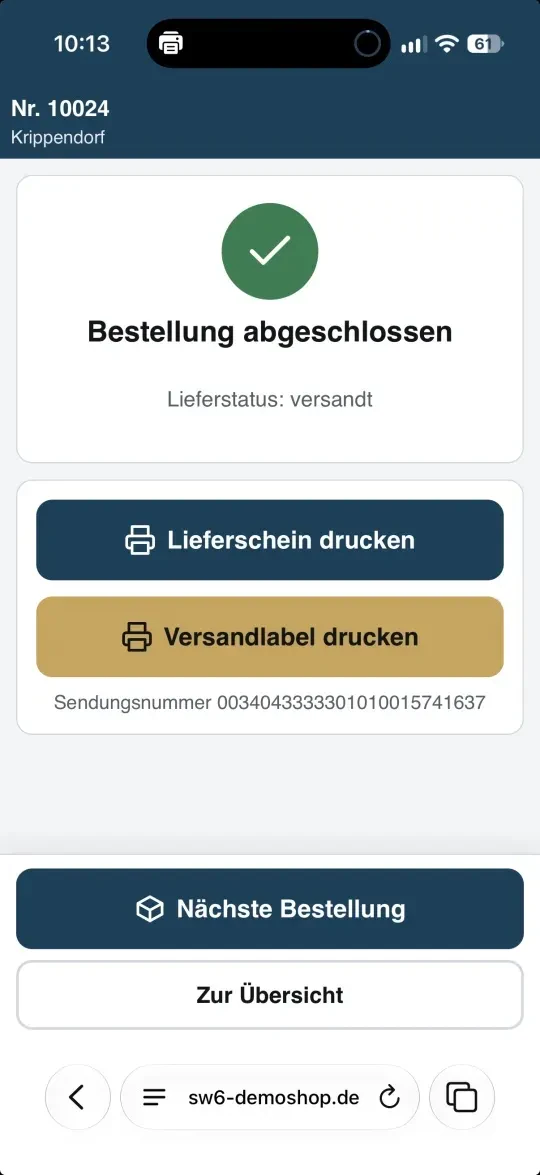
Upon completion, the order picker sets the delivery status to ‘dispatched’ or ‘partially dispatched’ via Shopware’s status management. Two integrated workflows then generate the delivery note and send the dispatch email to the customer. If Pickware Dispatch is in use (such as ‘DHL Dispatch’), the workflow also creates the dispatch label beforehand.
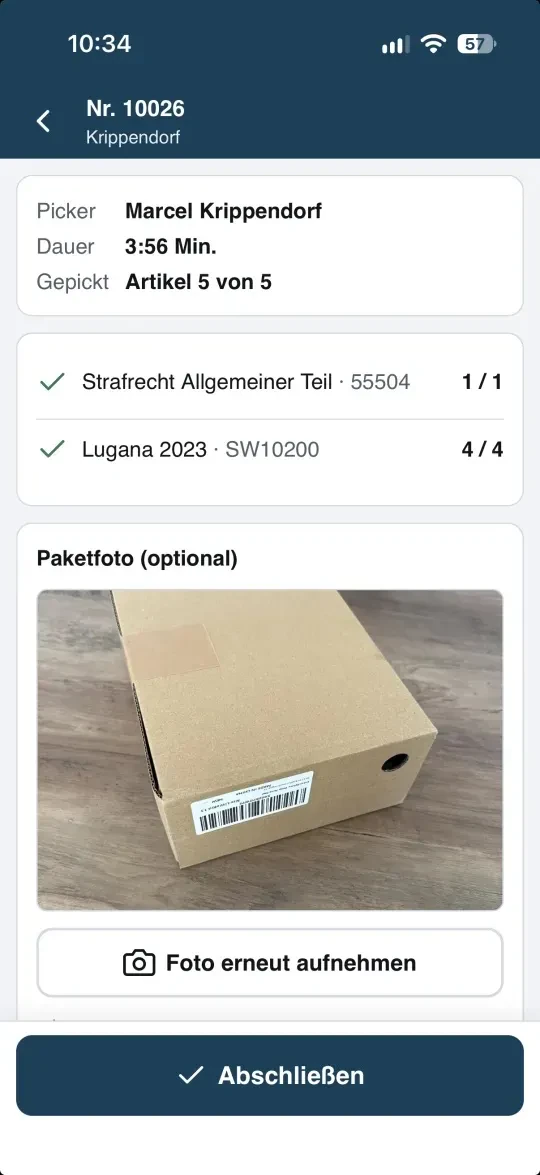
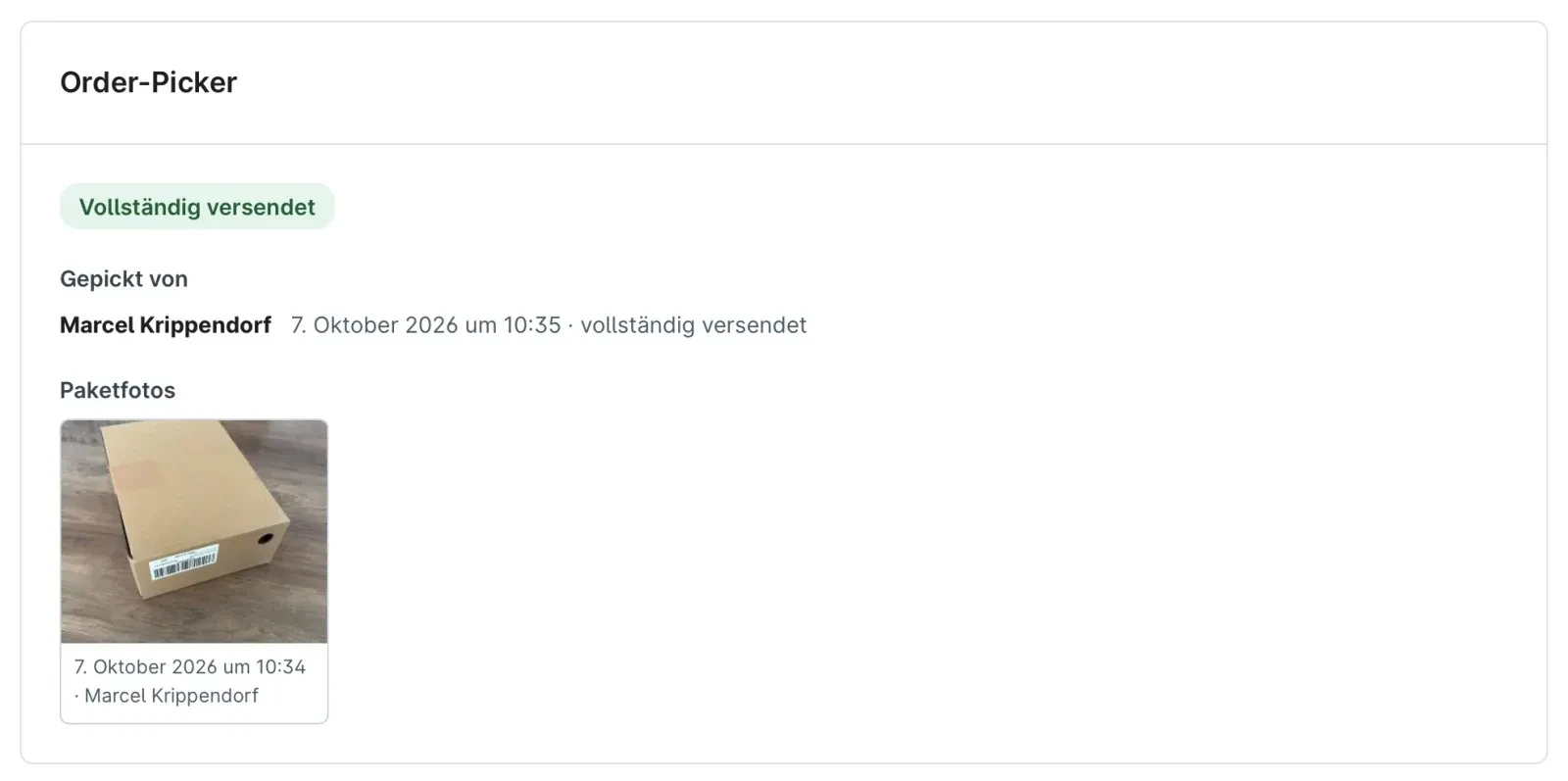
The app opens the delivery note directly for printing – via AirPrint on an iPhone, or via the device’s printing service on Android. If you wish, you can also take a photo of the packed parcel. You’ll find the photo later in the order.
Wi-Fi gaps in the warehouse
If the connection drops, simply carry on scanning. The app saves every scan on the device and sends it as soon as the network is back up. Each scan is received exactly once.
Labels for items without a barcode
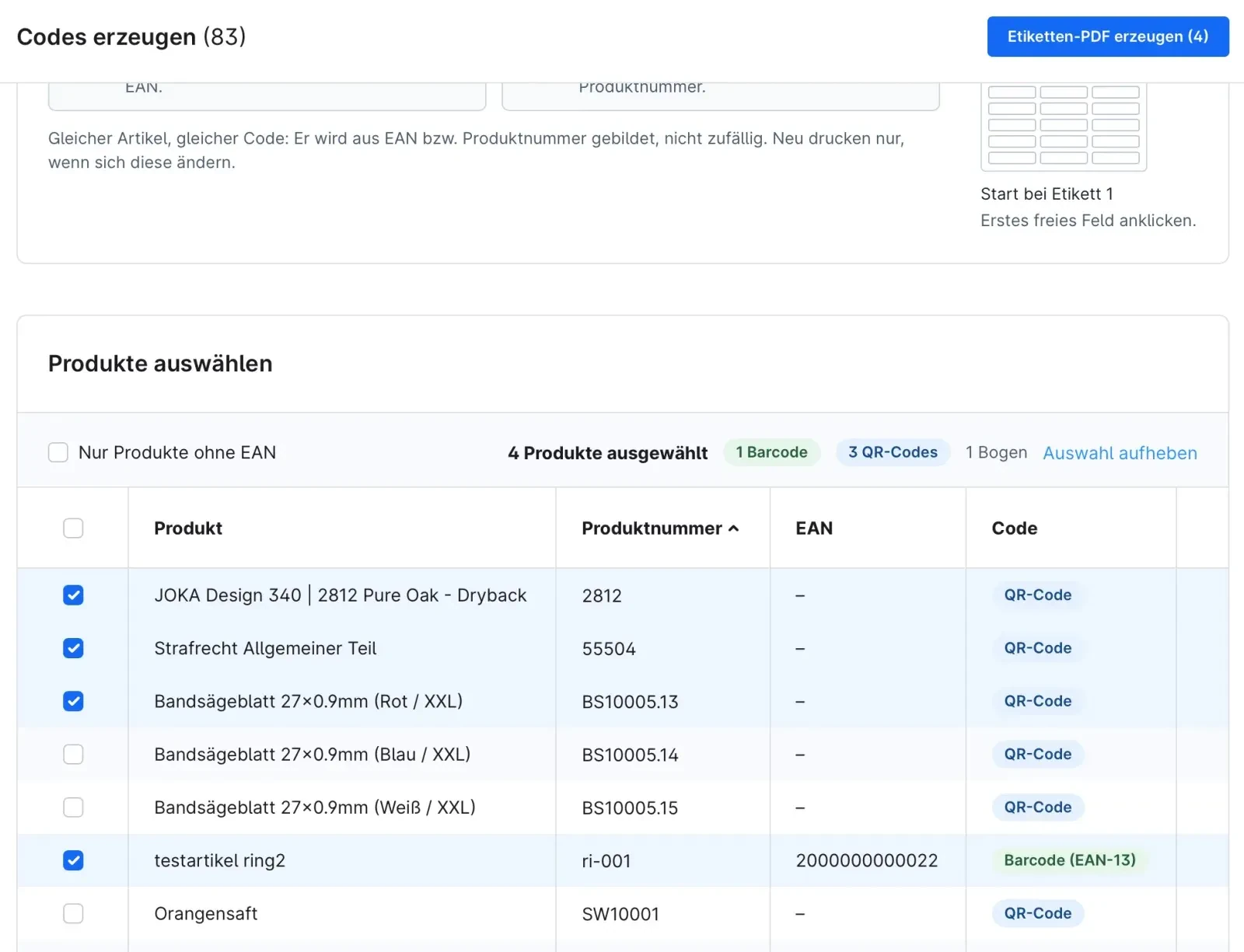
Many items do not have an EAN. Under Catalogues → Generate codes, you can print labels on Avery Zweckform 3474 (70 × 37 mm, 24 per sheet). Items with a valid EAN are assigned an EAN barcode; all others receive a QR code containing the product number. The picking app recognises both immediately. You can continue using partially used sheets from the starting position.
Runs entirely within your shop
Order-Picker requires no external services. Even barcode scanning takes place directly in the mobile browser. Compatible with Shopware 6.6 and 6.7.
Changelogs
1.0.1
Shopware version: 6.6, 6.712th October 2026 (1 day ago)
- Detailed optimisations
1.0.0
Shopware version: 6.6, 6.78th October 2026 (5 days ago)
First release