
Back in Stock Notification (Email & SMS)
by Islam Chemirik
A customer visits your shop, finds a product they want, but it is out of stock. With nothing to hold their interest, they leave and rarely return. That is potential revenue gone.
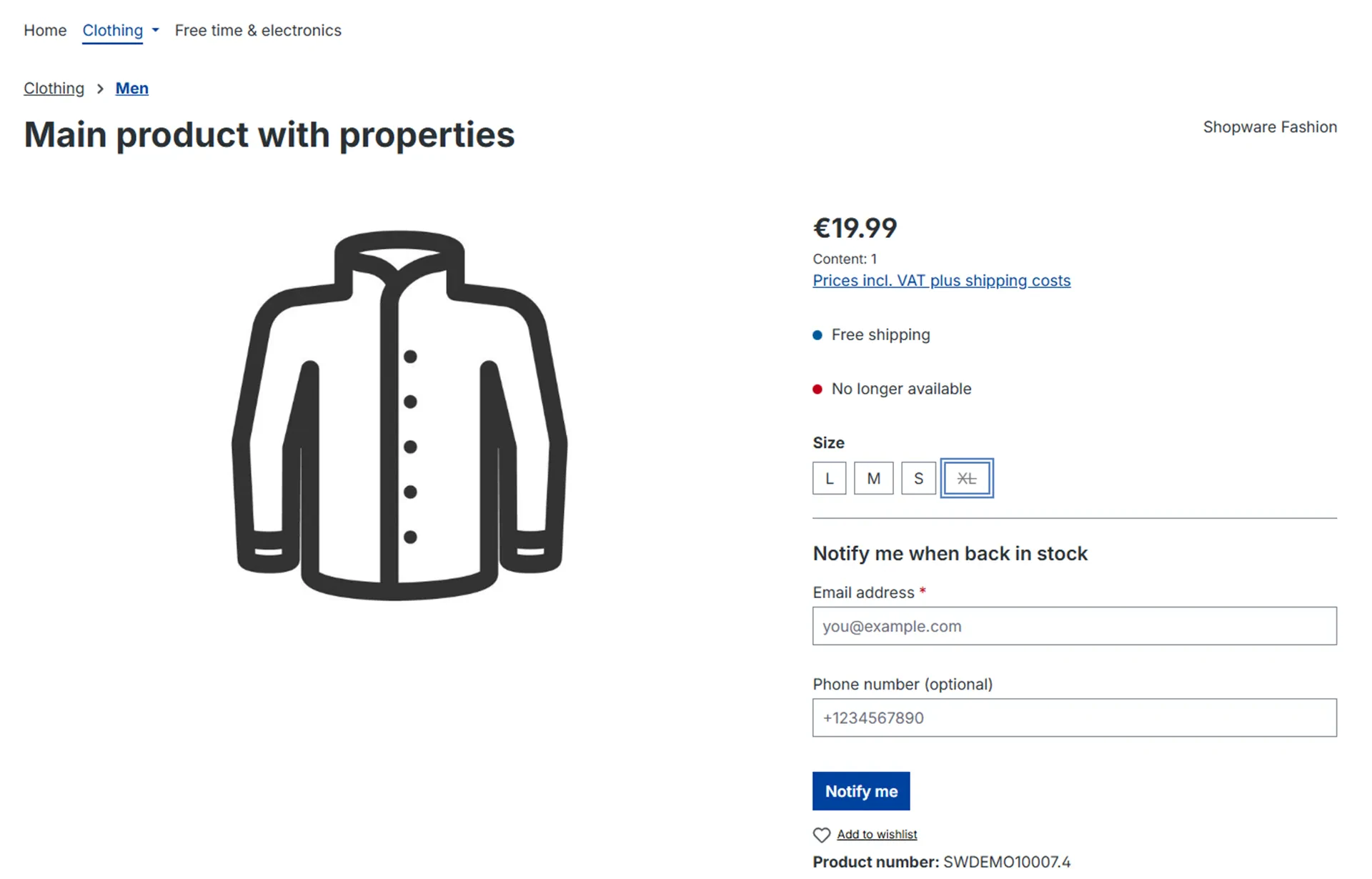
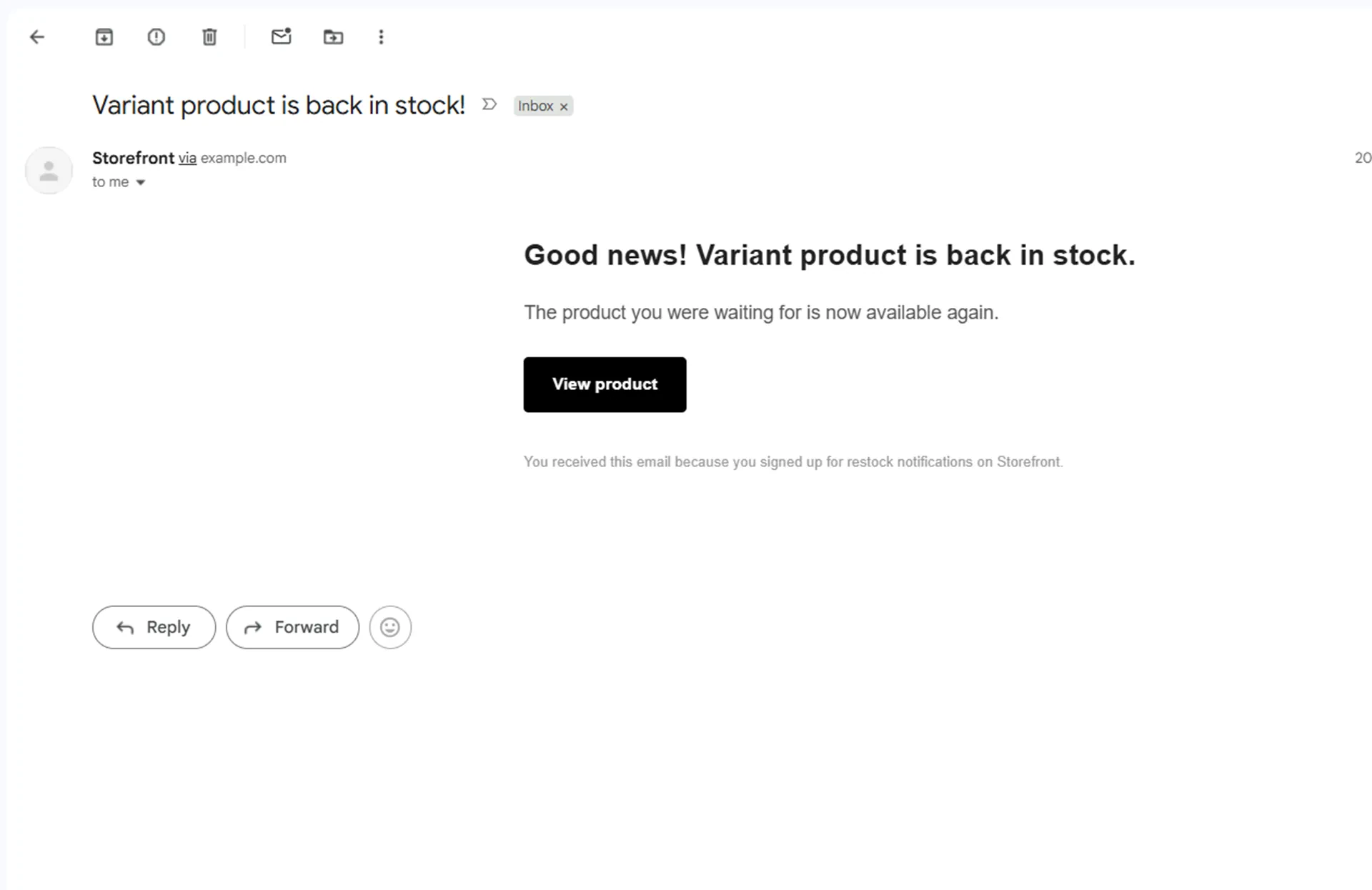
Back in Stock Notification solves this directly. When a product or variant becomes unavailable, a subscription form appears automatically on the product page. Customers leave their email — and optionally their phone number — and are notified automatically the moment stock returns. They come back ready to buy.
Built for reliability and scale, the plugin processes all notifications asynchronously using Shopware's Message Queue system with optimized batch handling. Whether you update stock manually or sync thousands of products via an ERP, storefront performance is never affected.
Why Choose This Extension?
- Email and SMS, both covered: Send restock alerts via Shopware's native email system and optionally via Twilio SMS. Customers who provide a phone number can receive both. No other comparable plugin on the Shopware store combines both channels with per-sales-channel SMS template control.
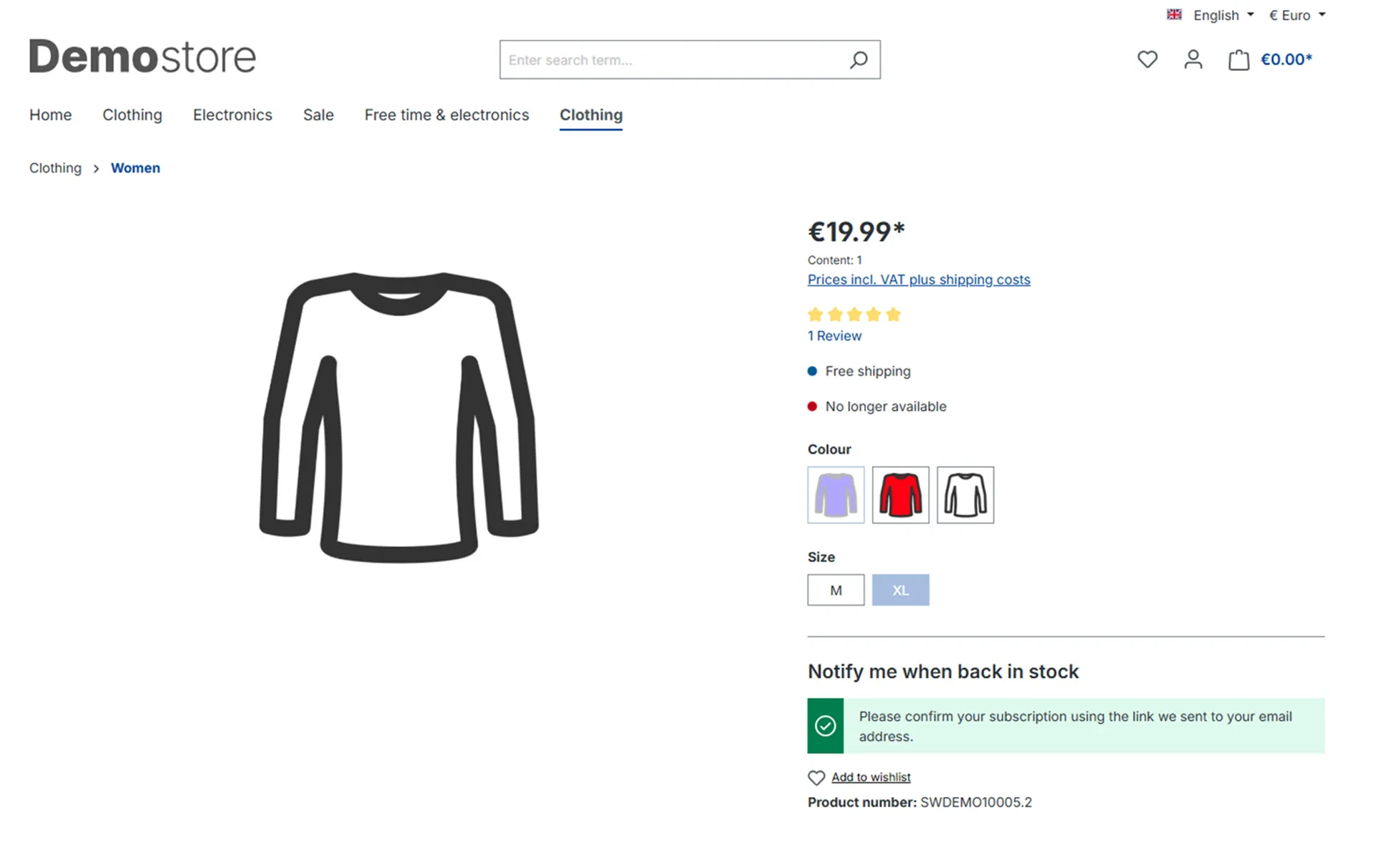
- Privacy-conscious by default: Double Opt-In is enabled out of the box. Subscribers must confirm their email before any alert is sen, covering both email and SMS channels in a single confirmation step. The confirmation email uses a fully customizable Shopware mail template.
- No notification noise: Alerts only fire when stock crosses from below the configured threshold to at or above it. Partial restocks and bulk ERP syncs do not trigger false alerts.
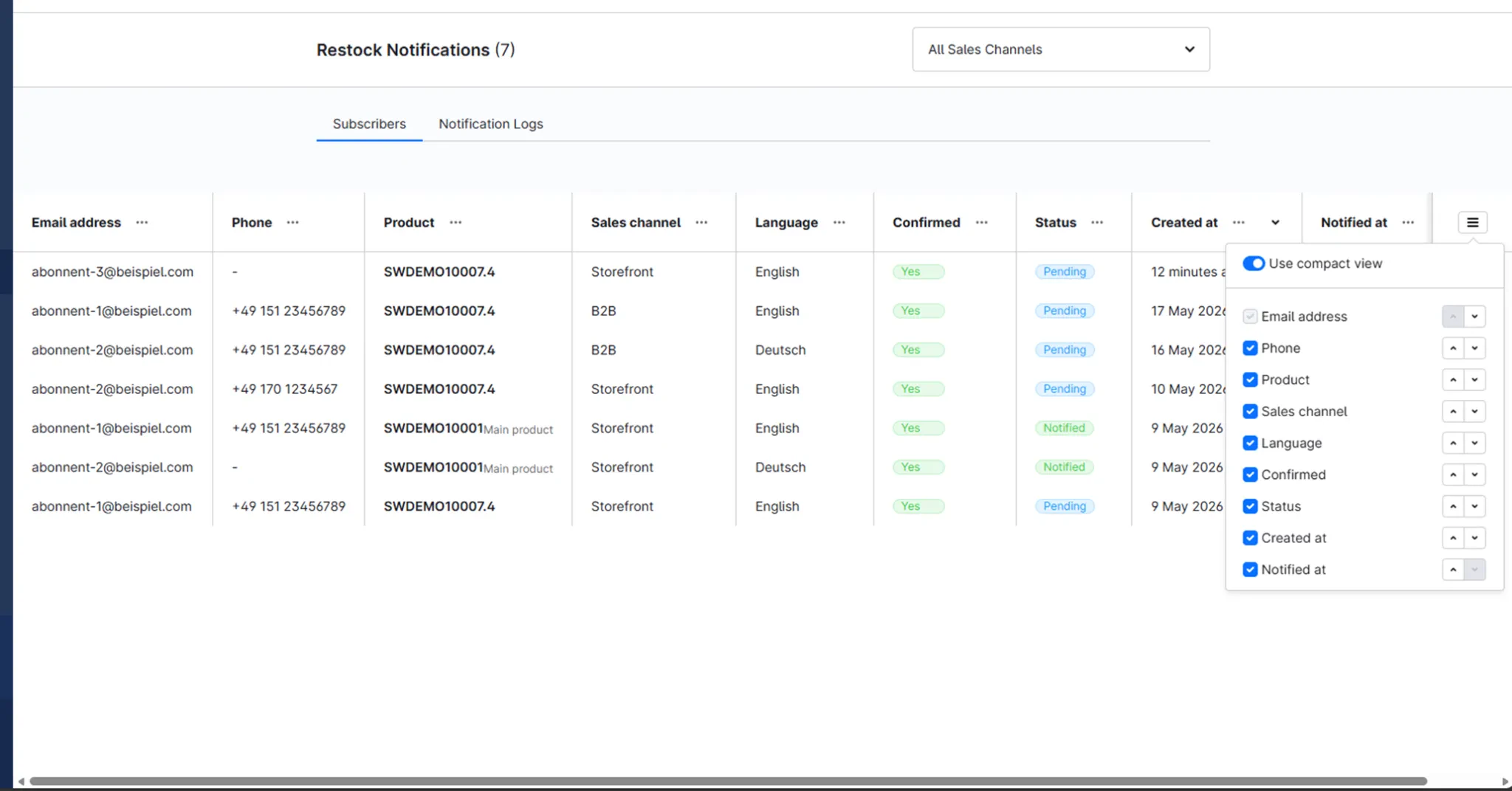
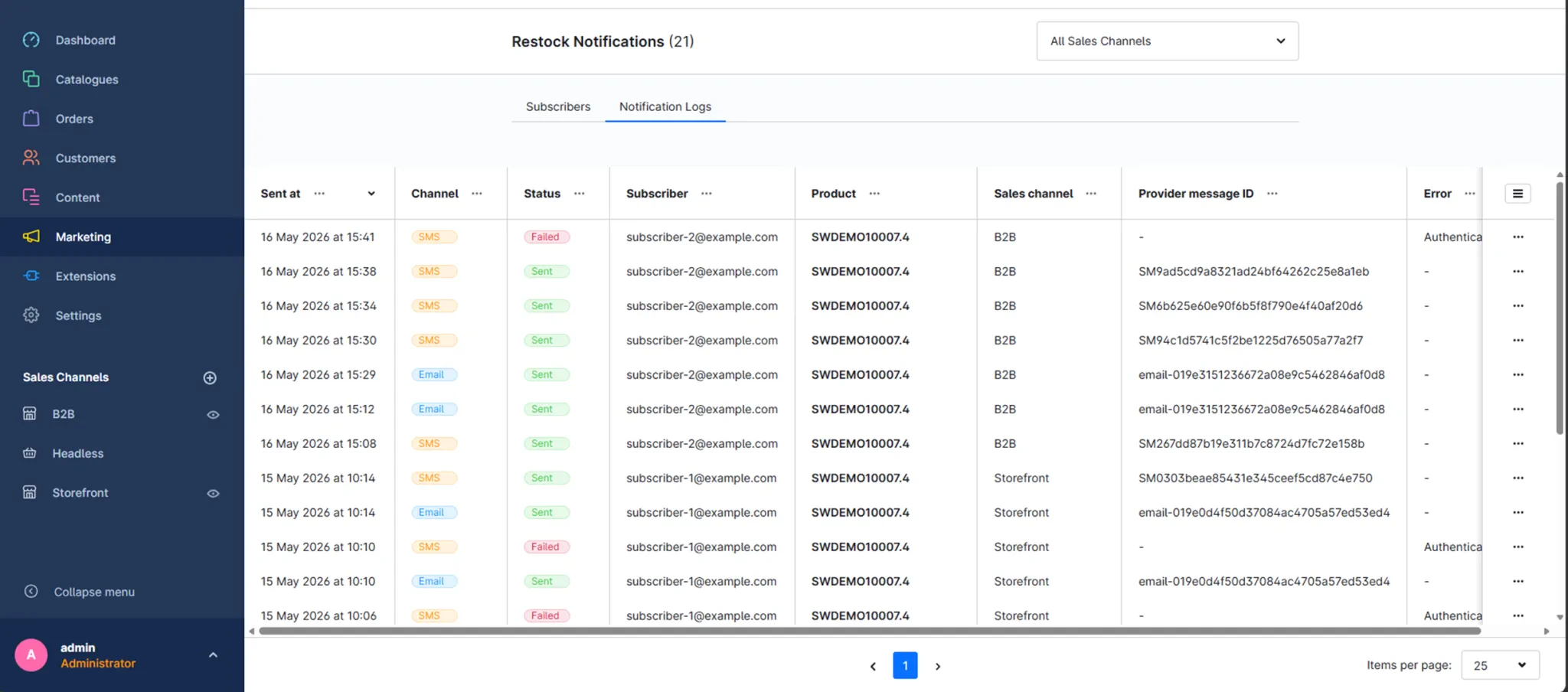
- Full operational transparency: A dedicated section under Marketing > Restock Notifications gives you a clear view of all subscribers, their status, and complete delivery logs, including provider message IDs and error details for every notification attempt.
- Built for multi-channel stores: Every setting, thresholds, notification channels, templates, double opt-in. Is configurable independently per sales channel. Notifications are resolved with the correct storefront domain and language for each subscriber.
Subscription Flow
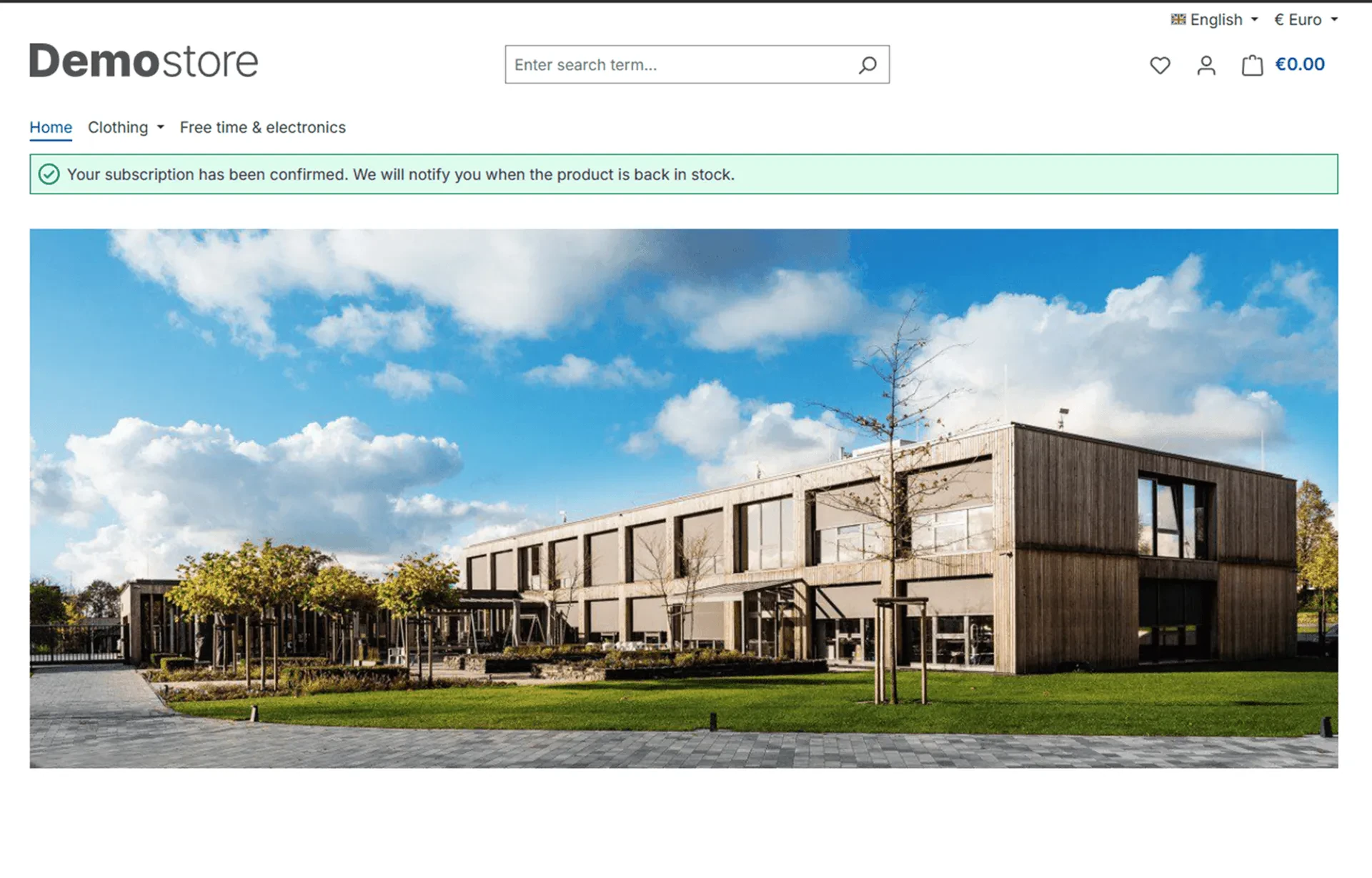
The subscription form appears automatically when a product or variant is not purchasable and has no available stock. Customers enter their email address and an optional phone number. If Double Opt-In is enabled, they receive a confirmation email and must click to confirm before any alerts are sent. Once stock reaches the configured threshold, all confirmed subscribers are notified automatically in the background.
Mail Template Customization
The plugin creates two dedicated Shopware mail template types: one for the Double Opt-In confirmation and one for the restock notification itself. Both are fully editable in Settings > Shop > Mail templates and ship with HTML and plain text versions in English and German. Available template variables include product, productName, productUrl, productNo, and salesChannel.
Changelogs
1.1.1
Shopware version: 6.628th August 2026 (1 month ago)
Bug Fixes & Improvements
- Improved notification processing for large subscriber lists to prevent duplicate notifications.
- Improved reliability of notification URLs across sales channels and languages.
- Added rate limiting to the subscription endpoint to help prevent abuse and excessive confirmation emails.
- Added validation to prevent subscriptions for products that do not exist.
- Improved background notification processing and compatibility with Shopware's validation rules.
1.2.1
Shopware version: 6.728th August 2026 (1 month ago)
Bug Fixes & Improvements
- Improved notification processing for large subscriber lists to prevent duplicate notifications.
- Improved reliability of notification URLs across sales channels and languages.
- Added rate limiting to the subscription endpoint to help prevent abuse and excessive confirmation emails.
- Added validation to prevent subscriptions for products that do not exist.
- Improved background notification processing and compatibility with Shopware's validation rules.
1.2.0
Shopware version: 6.721st August 2026 (1 month ago)
- Compatibility with Shopware 6.7
1.1.0
Shopware version: 6.621st August 2026 (1 month ago)
- Initial release