

Hero Slider Pro for Shopping Experiences
by DATA HORIZON Co.,Ltd.
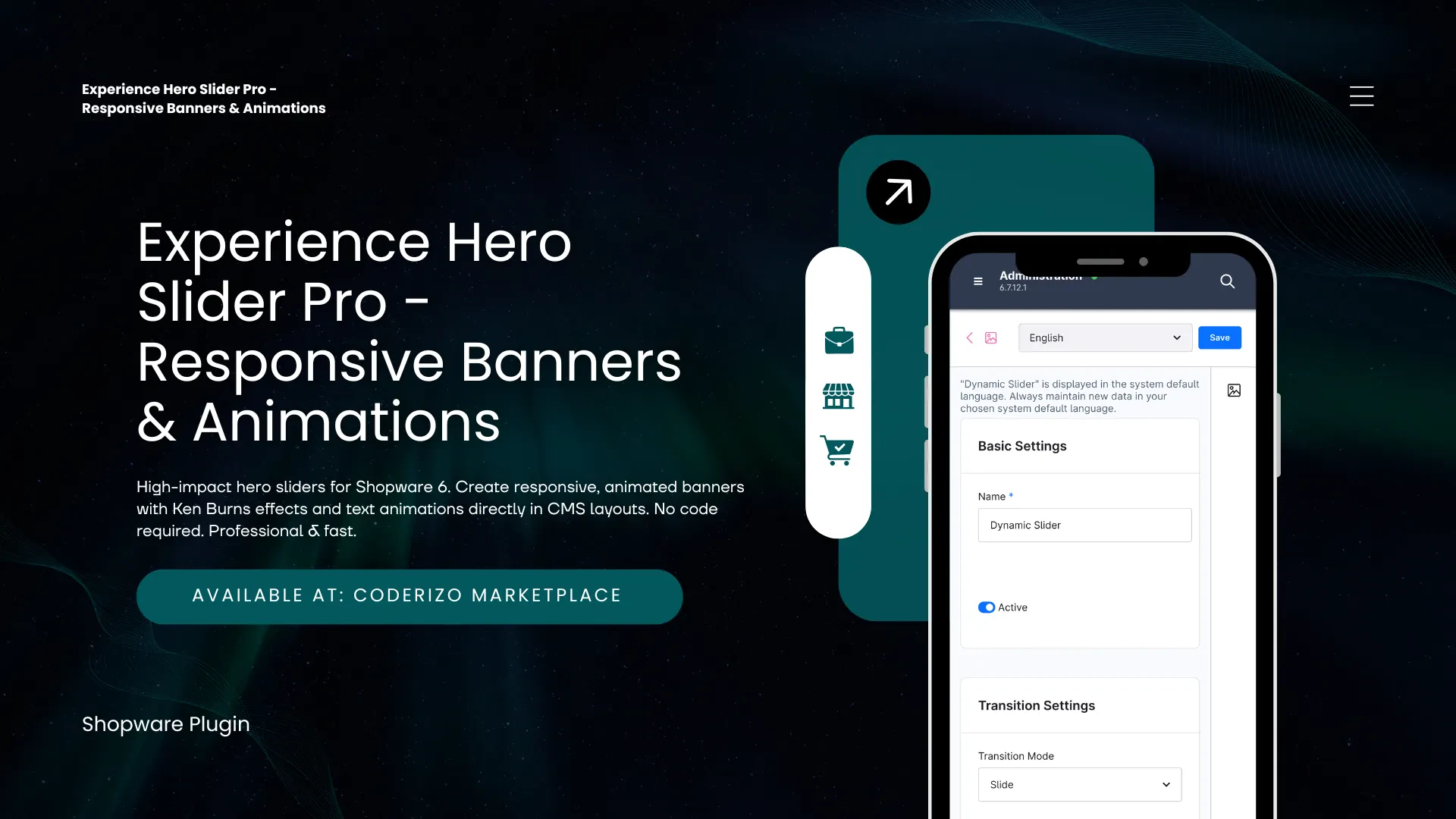
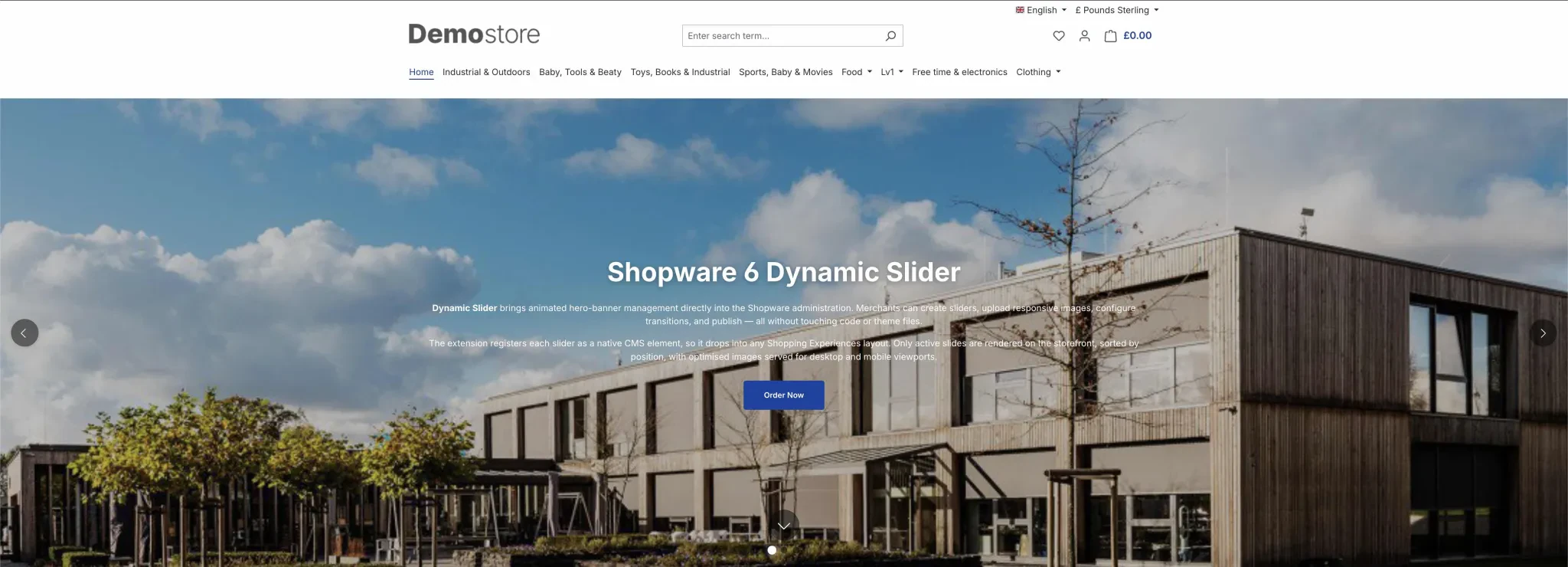
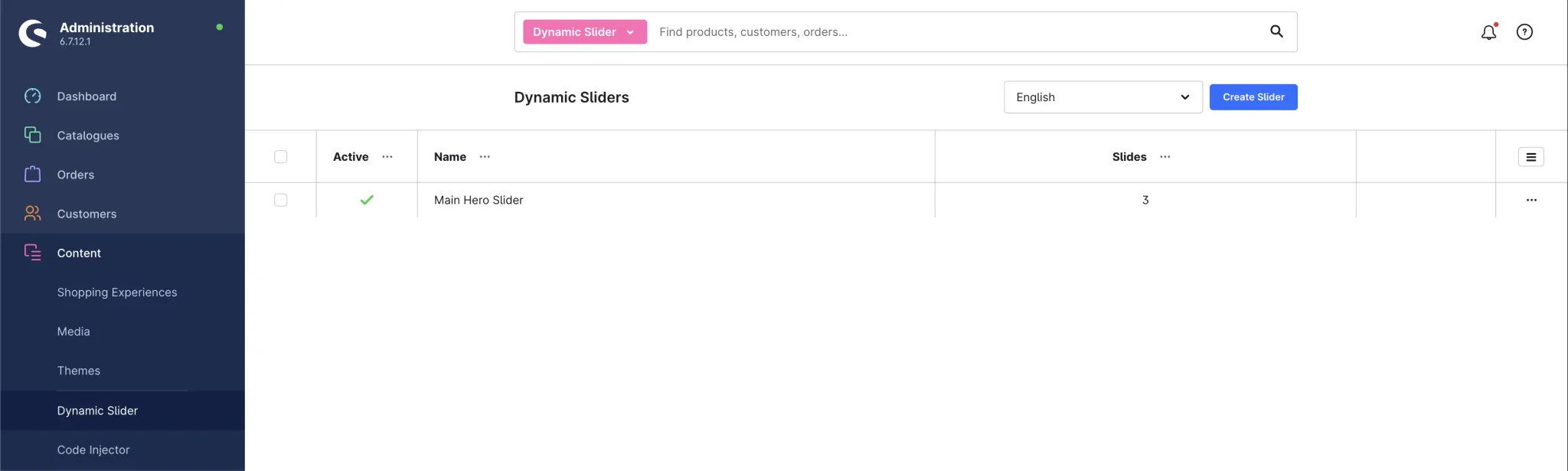
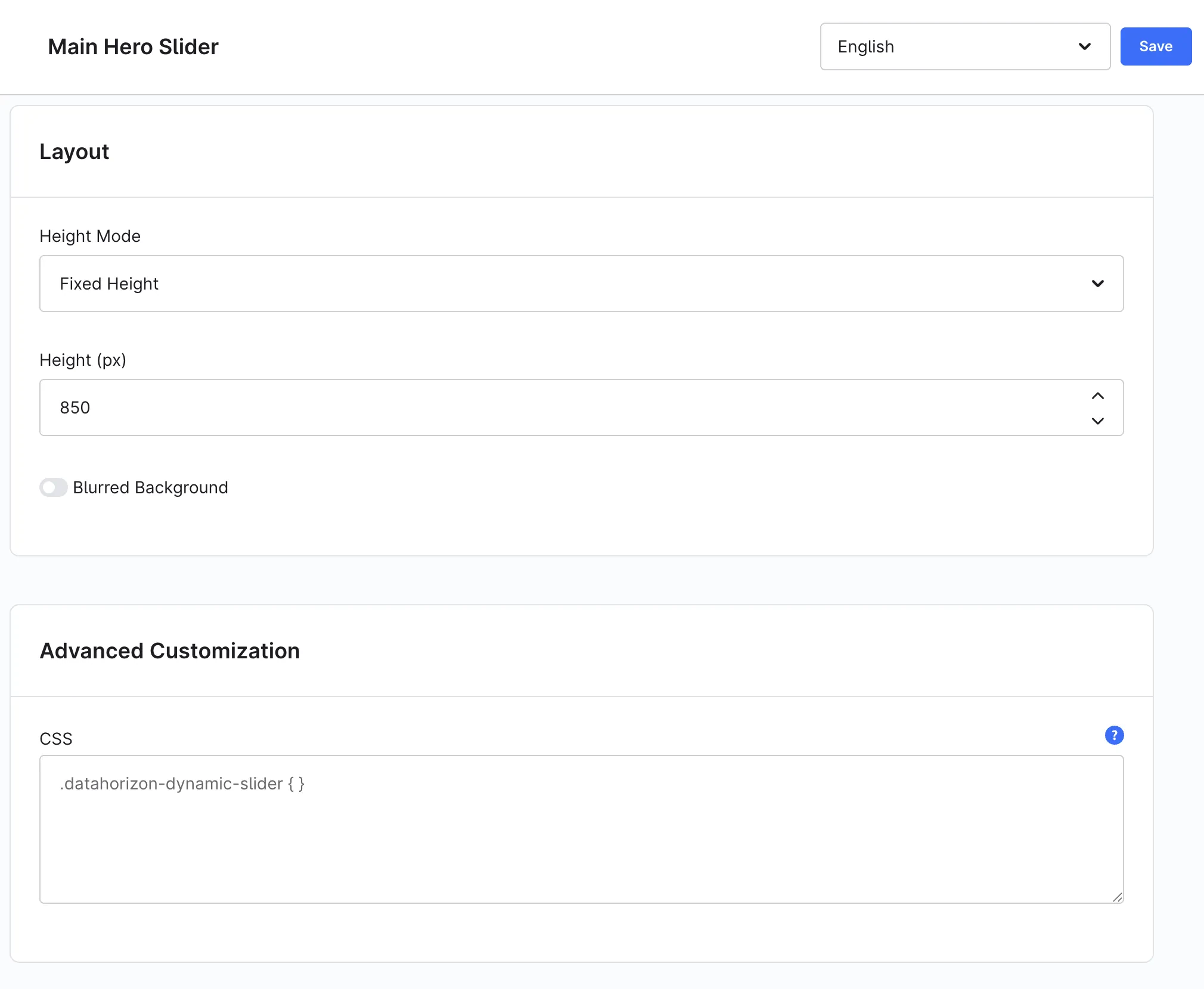
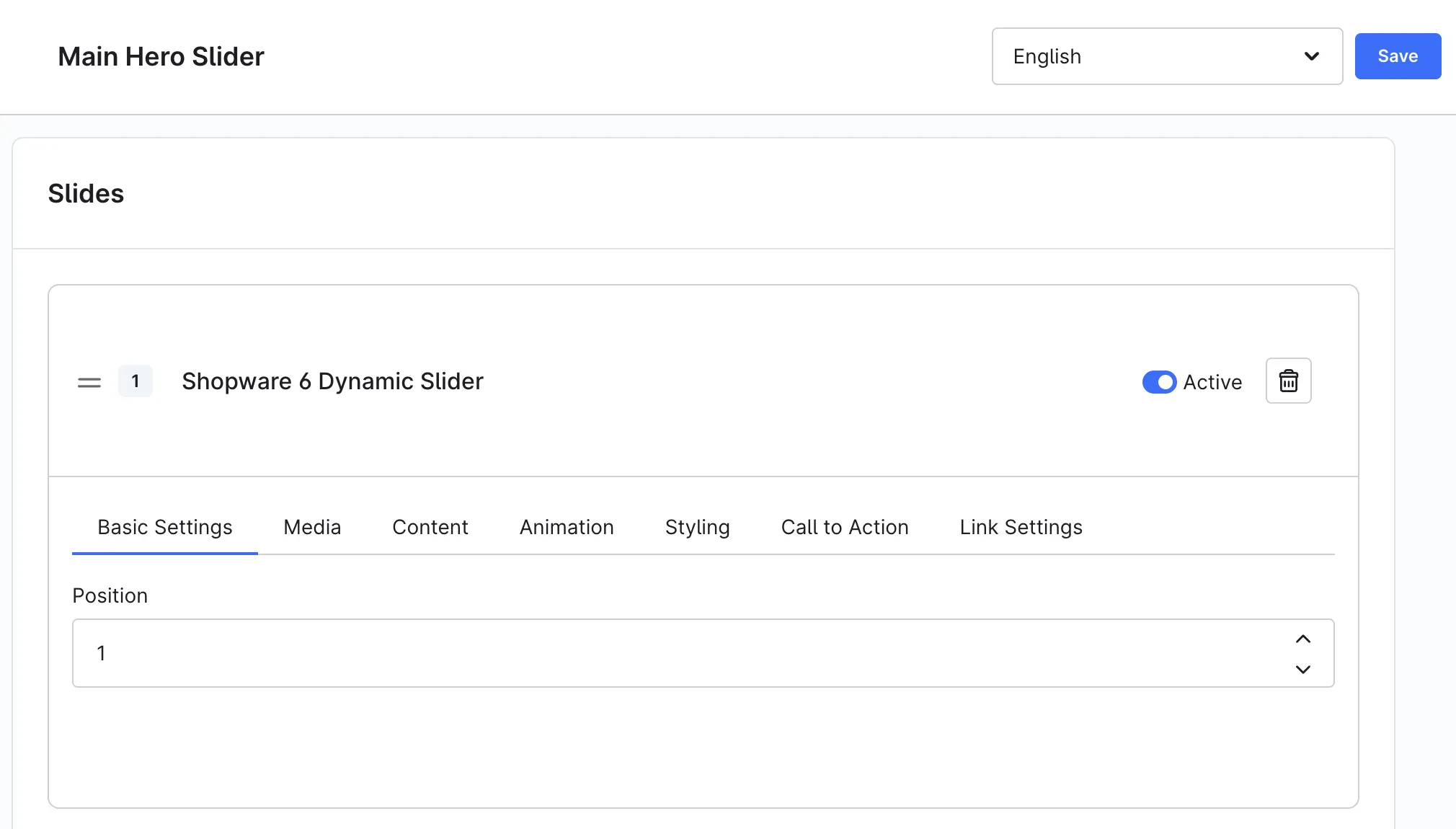
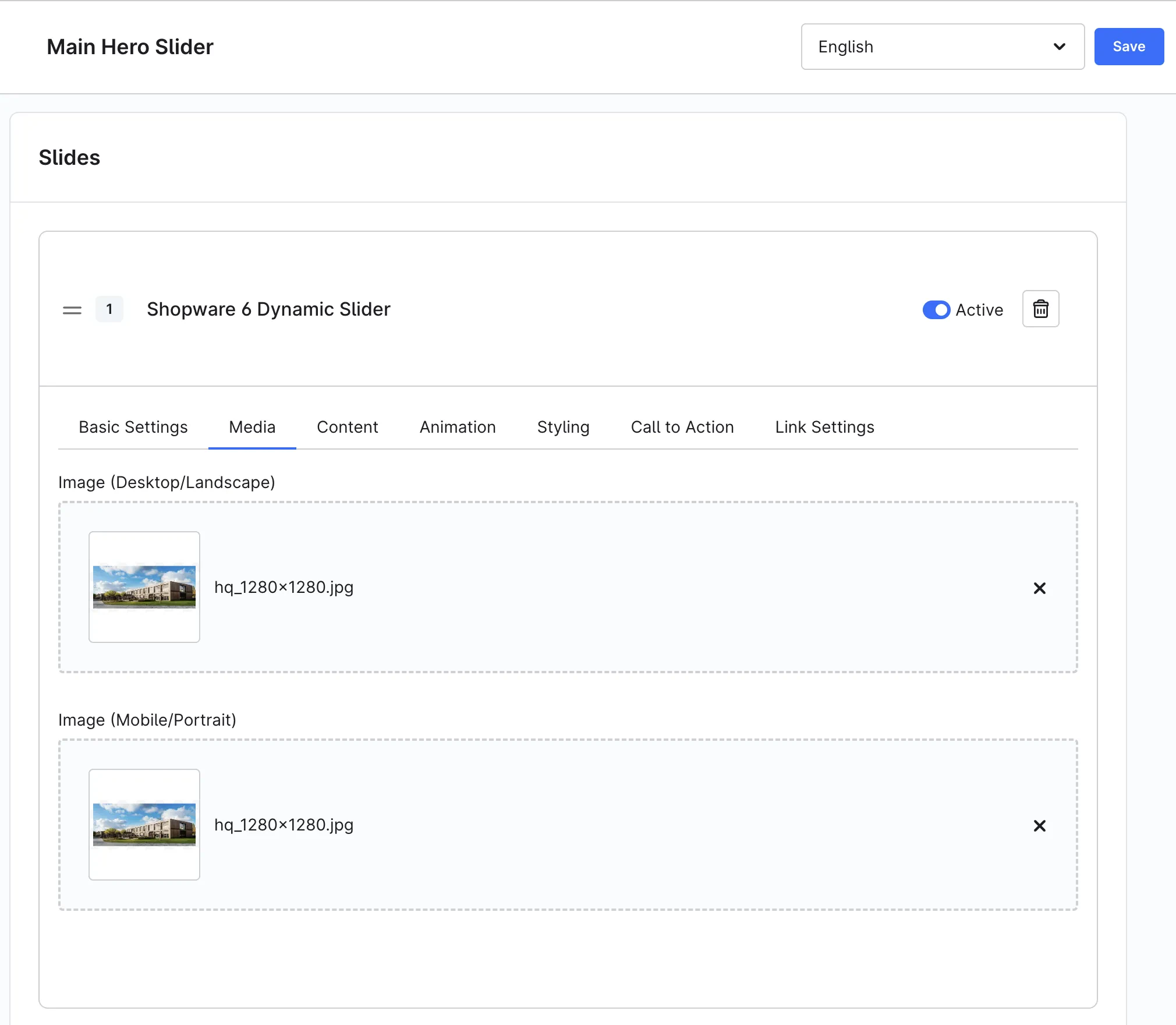
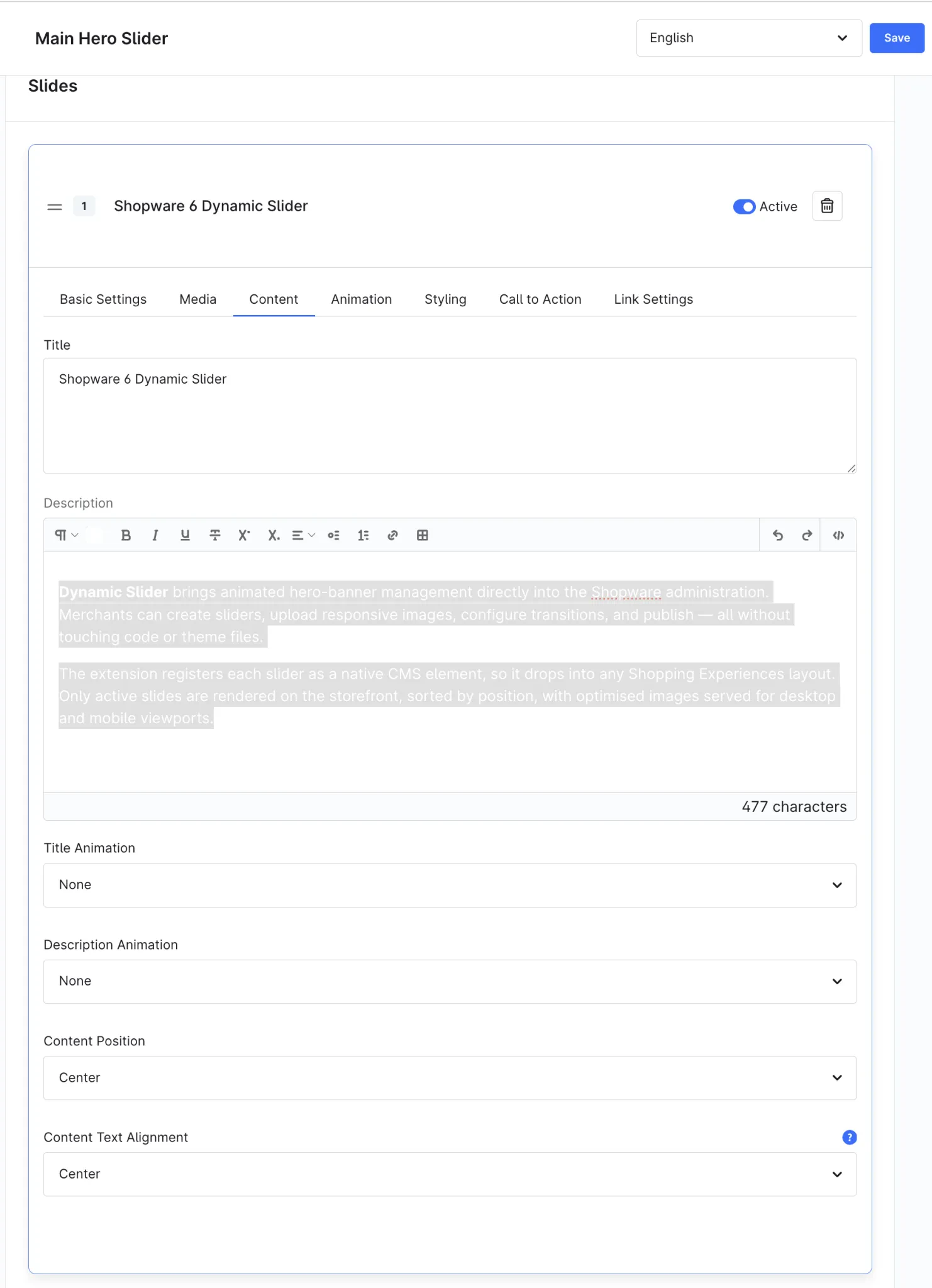
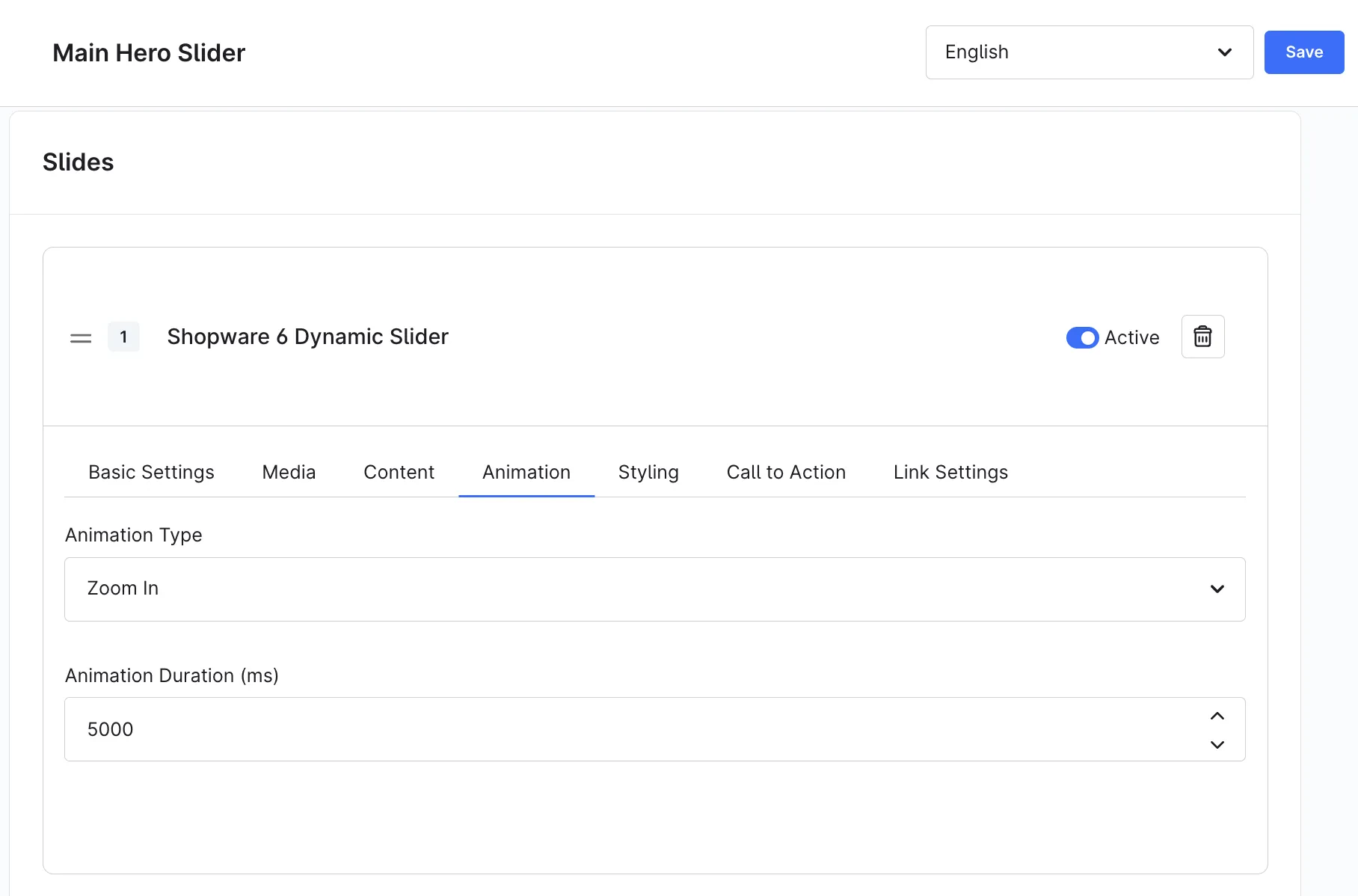
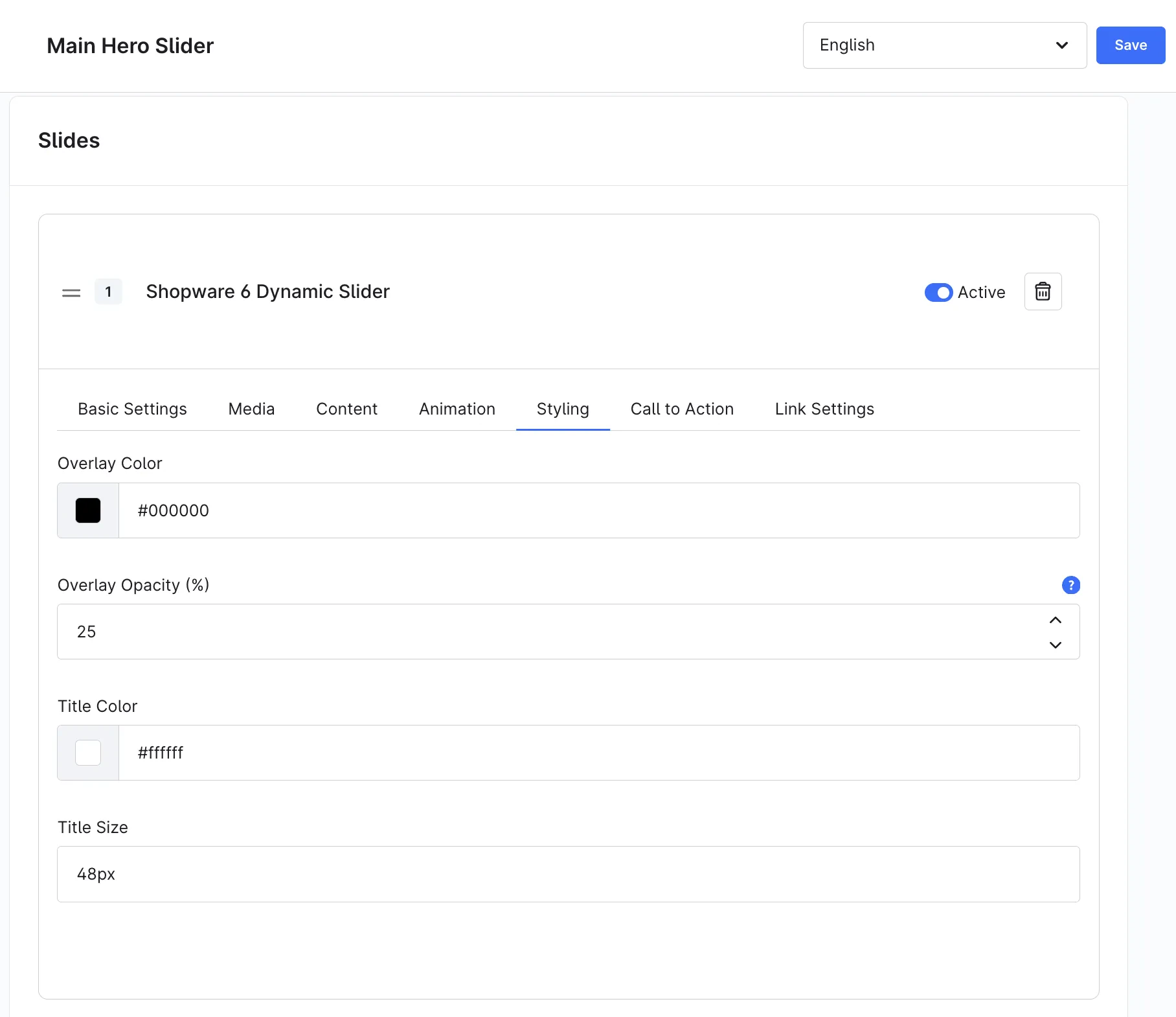
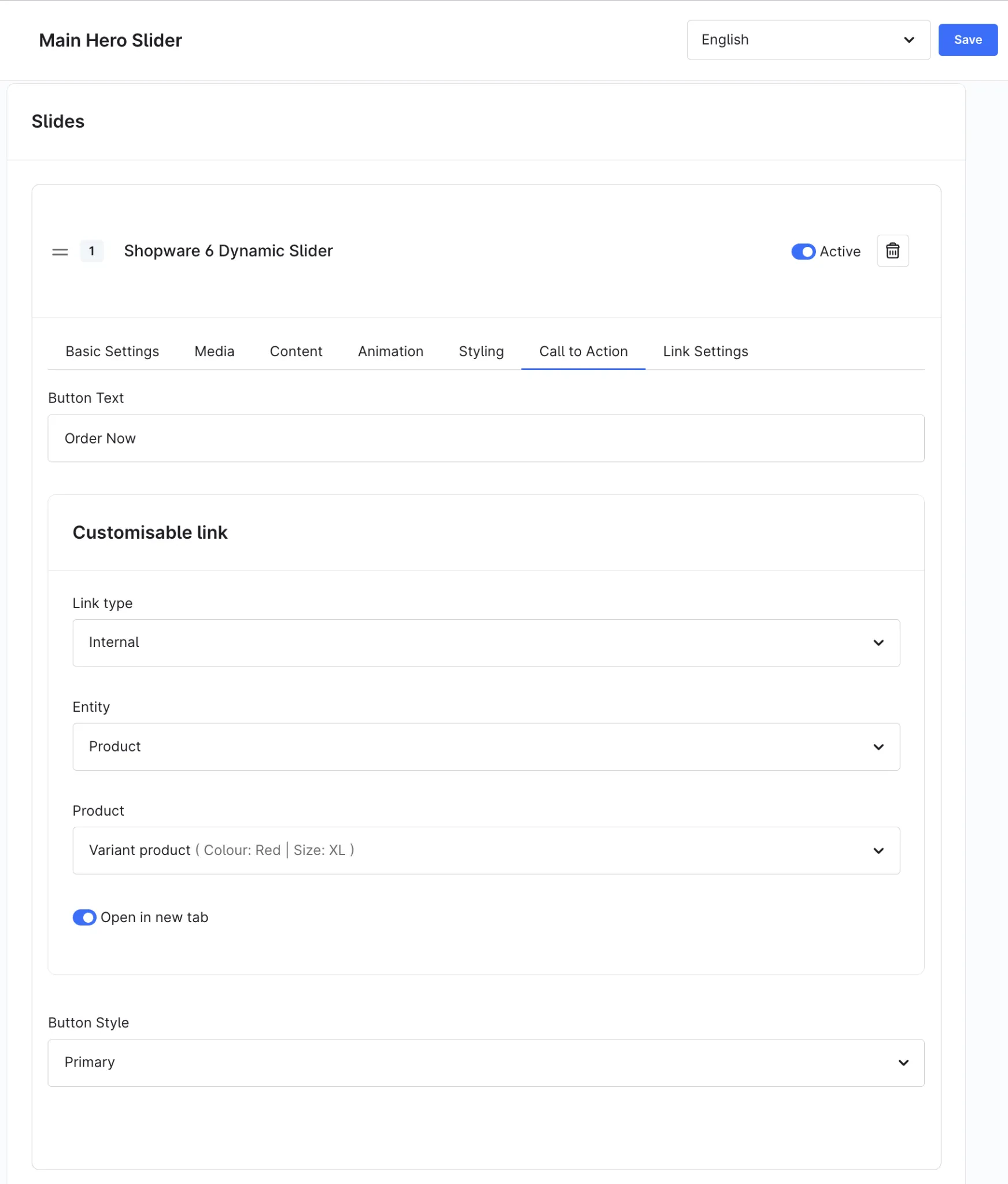
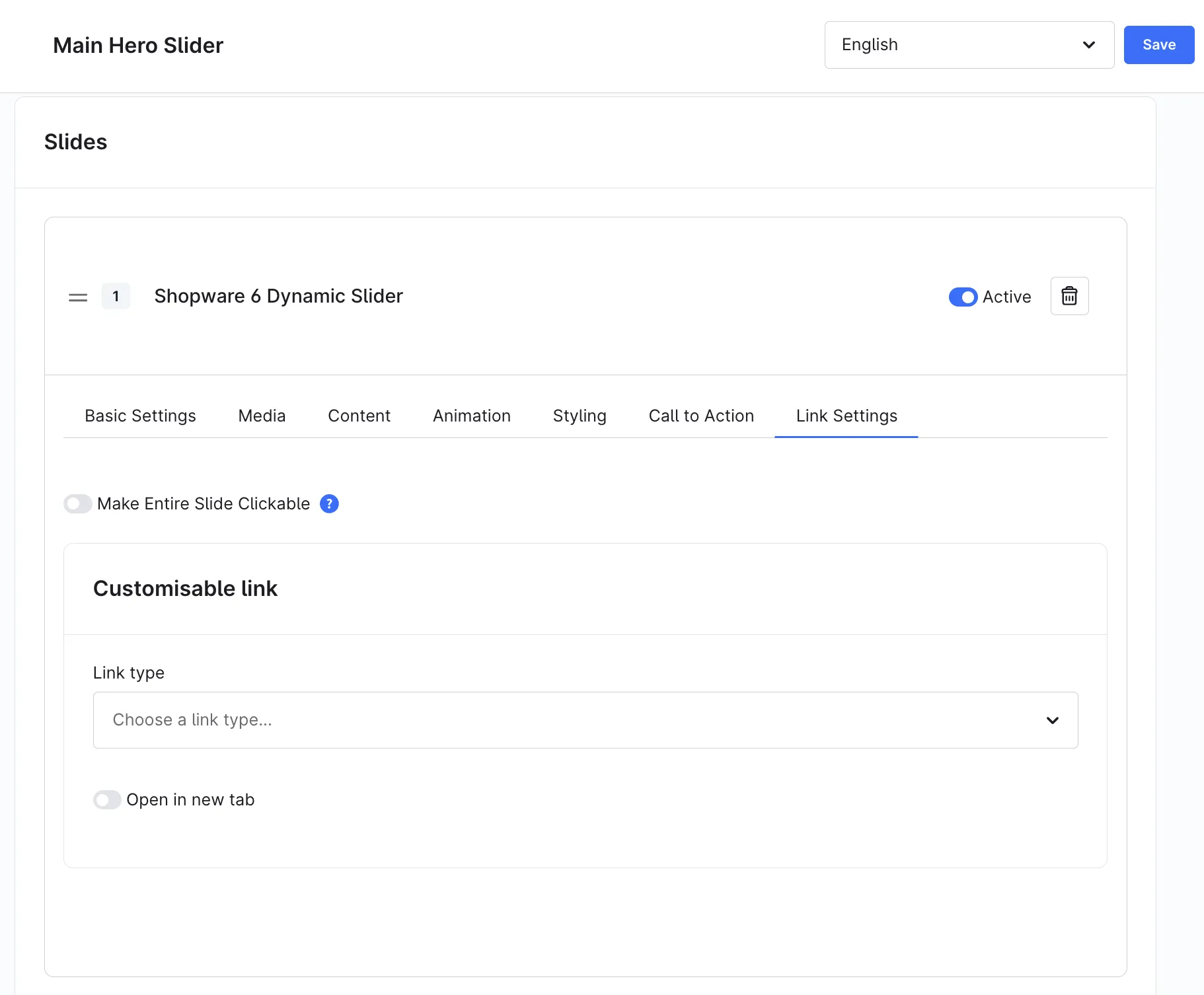
Hero Slider Pro for Shopping Experiences brings animated hero-banner management directly into the Shopware administration. Merchants can create sliders, upload responsive images, configure transitions, and publish - all without touching code or theme files.
The extension registers each slider as a native CMS element, so it drops into any Shopping Experiences layout. Only active slides are rendered on the storefront, sorted by position, with optimised images served for desktop and mobile viewports.
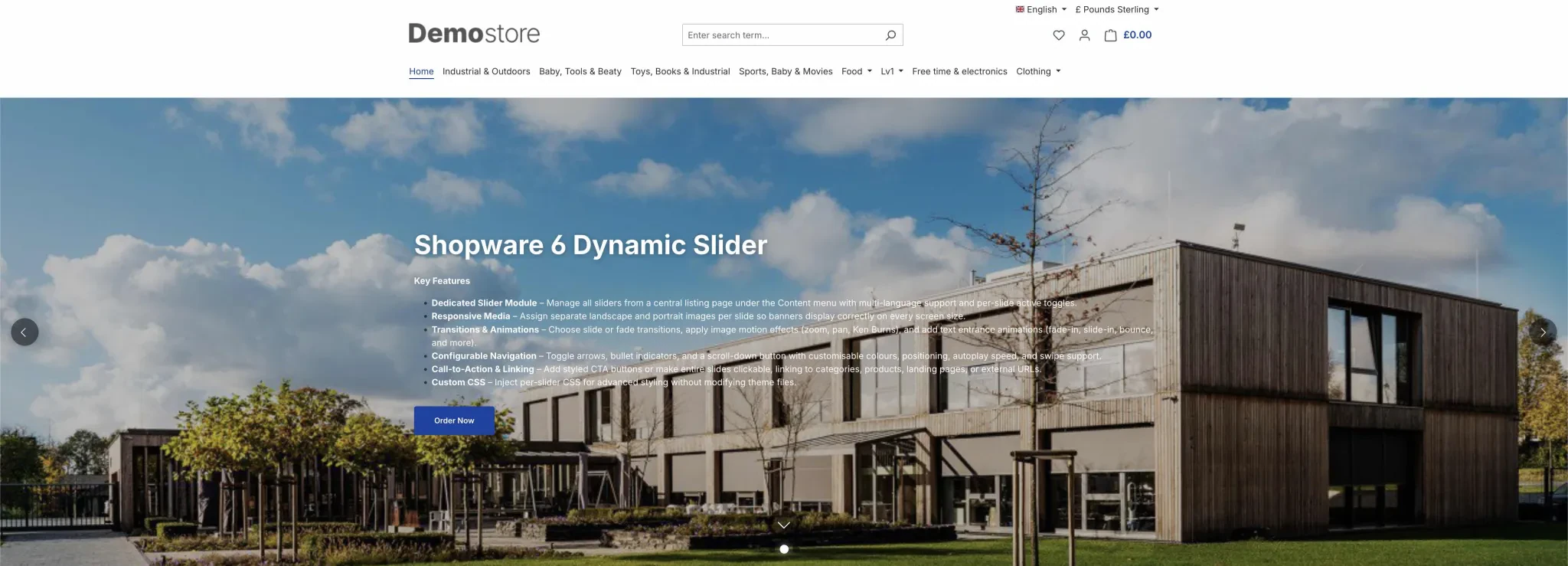
Key Features
- Dedicated Slider Module – Manage all sliders from a central listing page under the Content menu with multi-language support and per-slide active toggles.
- Responsive Media – Assign separate landscape and portrait images per slide so banners display correctly on every screen size.
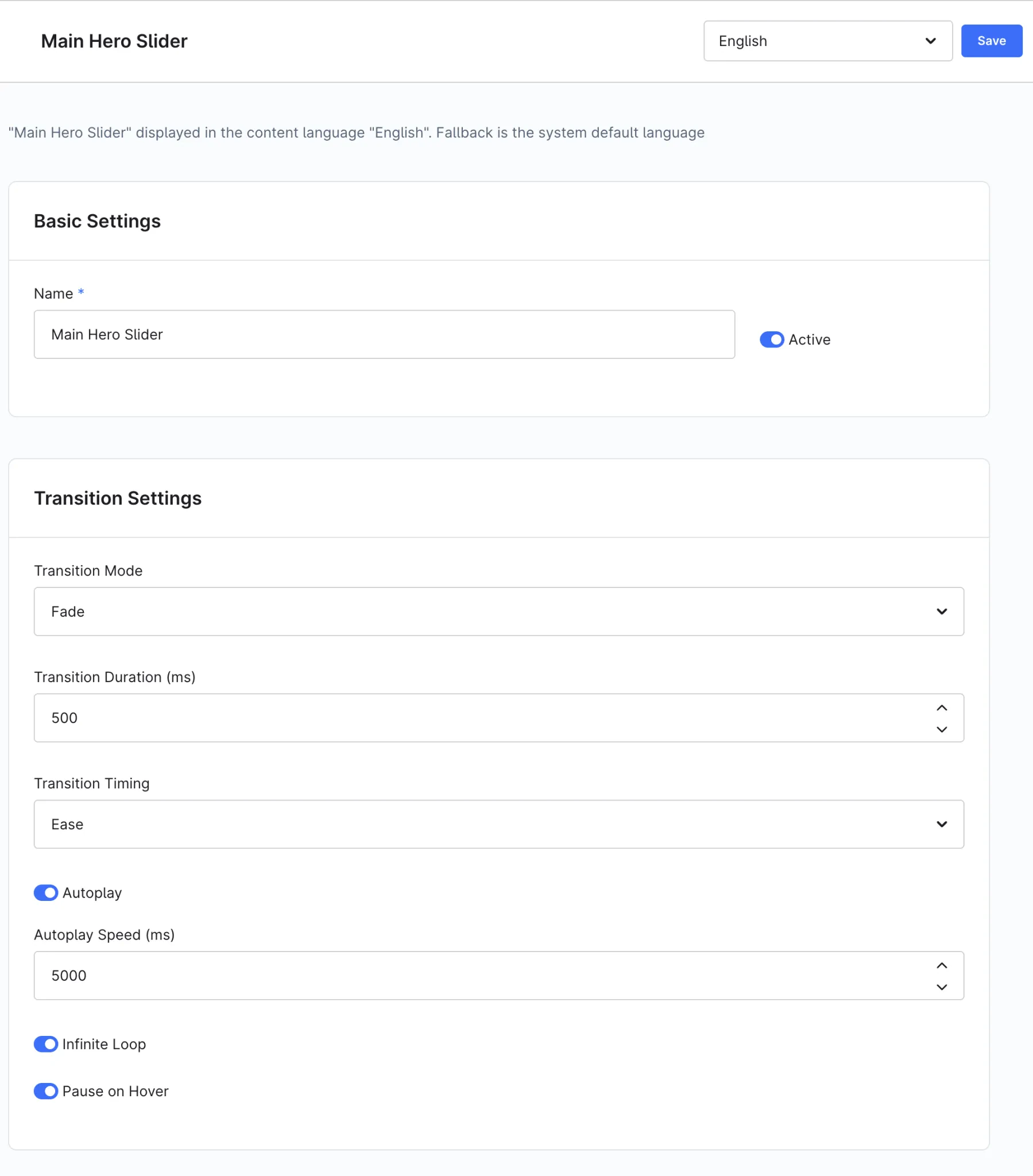
- Transitions & Animations – Choose slide or fade transitions, apply image motion effects (zoom, pan, Ken Burns), and add text entrance animations (fade-in, slide-in, bounce, and more).
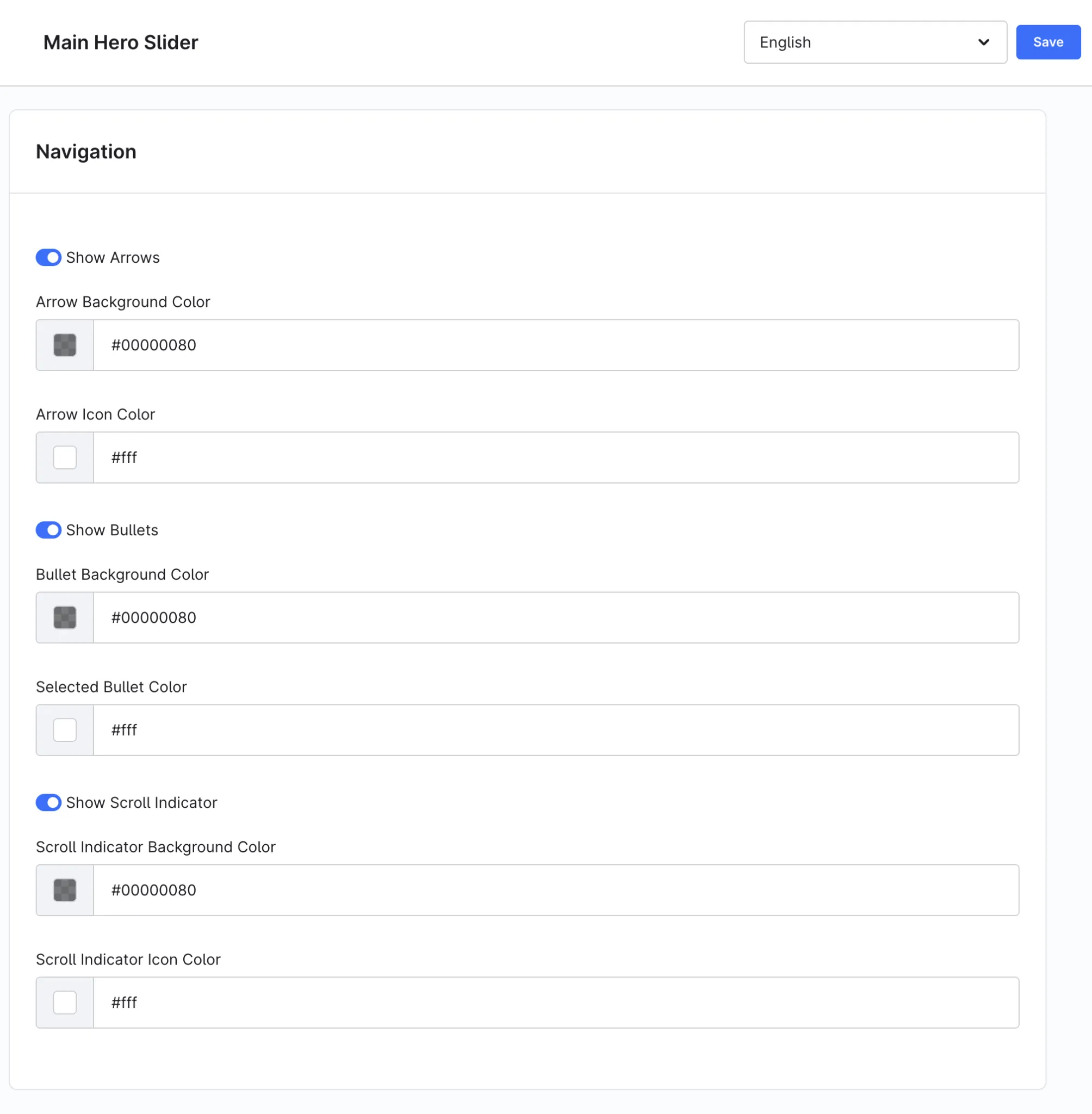
- Configurable Navigation – Toggle arrows, bullet indicators, and a scroll-down button with customisable colours, positioning, autoplay speed, and swipe support.
- Call-to-Action & Linking – Add styled CTA buttons or make entire slides clickable, linking to categories, products, landing pages, or external URLs.
- Custom CSS – Inject per-slider CSS for advanced styling without modifying theme files.
- Automated Slide Scheduling – Plan marketing campaigns effortlessly by setting exact start and end dates/times for individual slides to publish and unpublish automatically.
- Per-Slide Customization – Personalize each slide with custom slide labels, flexible image sizing modes, individual background colors, and detailed typography controls.
- Enhanced Content Layouts – Fine-tune content positioning, adjust text styling, and include expanded descriptions with support for up to 300 characters.
- Seamless Infinite Looping – Experience smooth, continuous backwards and forwards navigation with zero background flashing when cycling past the first slide.
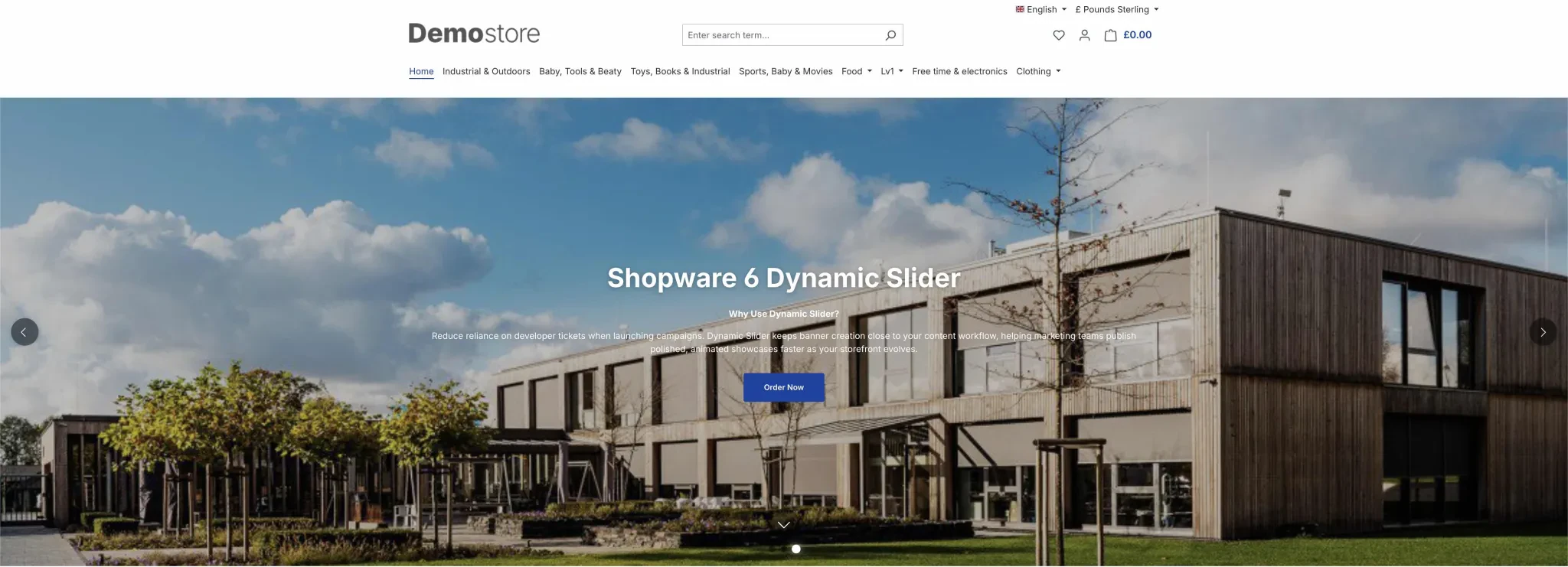
Why should we us Hero Slider Pro for Shopping Experiences?
Reduce reliance on developer tickets when launching campaigns. Automated slide scheduling and per-slide design flexibility keep banner creation close to your content workflow, helping marketing teams publish polished, timed, and animated showcases faster as your storefront evolves.
Changelogs
2.9.0
Shopware version: 6.720th October 2026 (3 days ago)
- Added "Responsive Min Height" layout mode with separate mobile/tablet/desktop minimum heights
- Added navigation z-index setting for arrows, bullets and scroll indicator
- Fixed: default background flashed when navigating backwards from the first slide (infinite loop)
- Improved slider settings, including link options shown only for clickable slides, "Pause on Hover" only with autoplay, and new help texts for navigation
- Updated administration styling to support dark mode
1.9.0
Shopware version: 6.620th October 2026 (3 days ago)
- Added "Responsive Min Height" layout mode with separate mobile/tablet/desktop minimum heights
- Added navigation z-index setting for arrows, bullets and scroll indicator
- Fixed: default background flashed when navigating backwards from the first slide (infinite loop)
- Improved slider settings, including link options shown only for clickable slides, "Pause on Hover" only with autoplay, and new help texts for navigation
- Updated administration styling to support dark mode
2.8.1
Shopware version: 6.71st October 2026 (3 weeks ago)
- Fixed a database migration error that prevented installation on MySQL hosts
1.8.1
Shopware version: 6.61st October 2026 (3 weeks ago)
- Fixed a database migration error that prevented installation on MySQL hosts
2.8.0
Shopware version: 6.730th September 2026 (3 weeks ago)
- Added automatic scheduling for slides to appear and disappear at specific dates and times
- Added styling options for individual slides including custom naming, image sizing, background colors, and flexible text formatting
- Improved slide content styling and positioning
- Updated the description field to support a 300-character limit
- Improved overall code quality and system stability
1.8.0
Shopware version: 6.630th September 2026 (3 weeks ago)
- Added automatic scheduling for slides to appear and disappear at specific dates and times
- Added styling options for individual slides including custom naming, image sizing, background colors, and flexible text formatting
- Improved slide content styling and positioning
- Updated the description field to support a 300-character limit
- Improved overall code quality and system stability
2.7.0
Shopware version: 6.76th August 2026 (2 months ago)
- First public release version for Shopware 6.7.x in the Coderizo Marketplace
1.7.0
Shopware version: 6.66th August 2026 (2 months ago)
- Initial public release version for the Coderizo Marketplace supporting Shopware 6.6.x