

Google Tag Manager for Shopware 6
by DATA HORIZON Co.,Ltd.
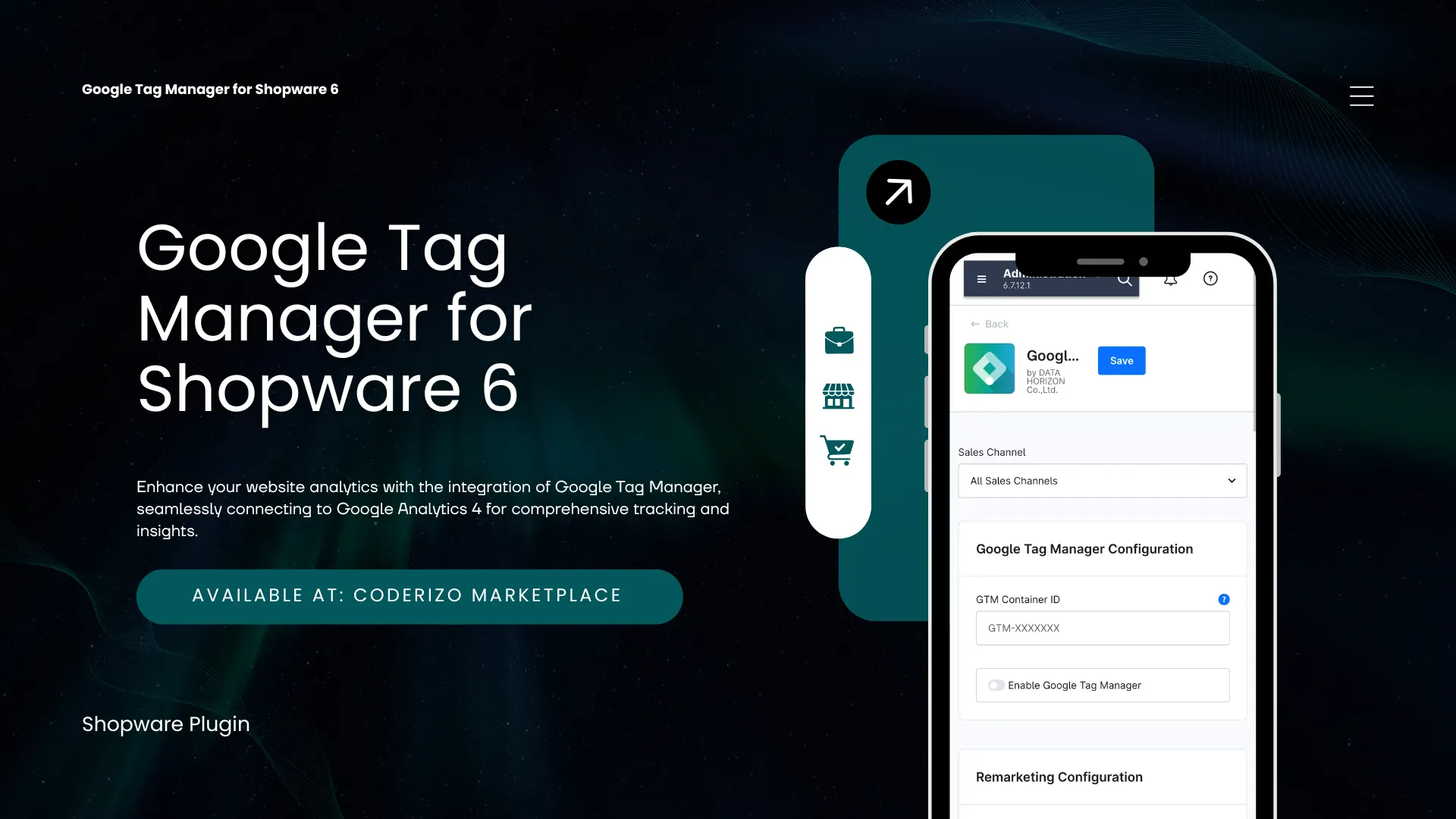
Connect your Shopware storefront to Google Analytics 4 via our Google Tag Manager for Shopware 6 in one step — without editing theme templates or writing custom scripts.
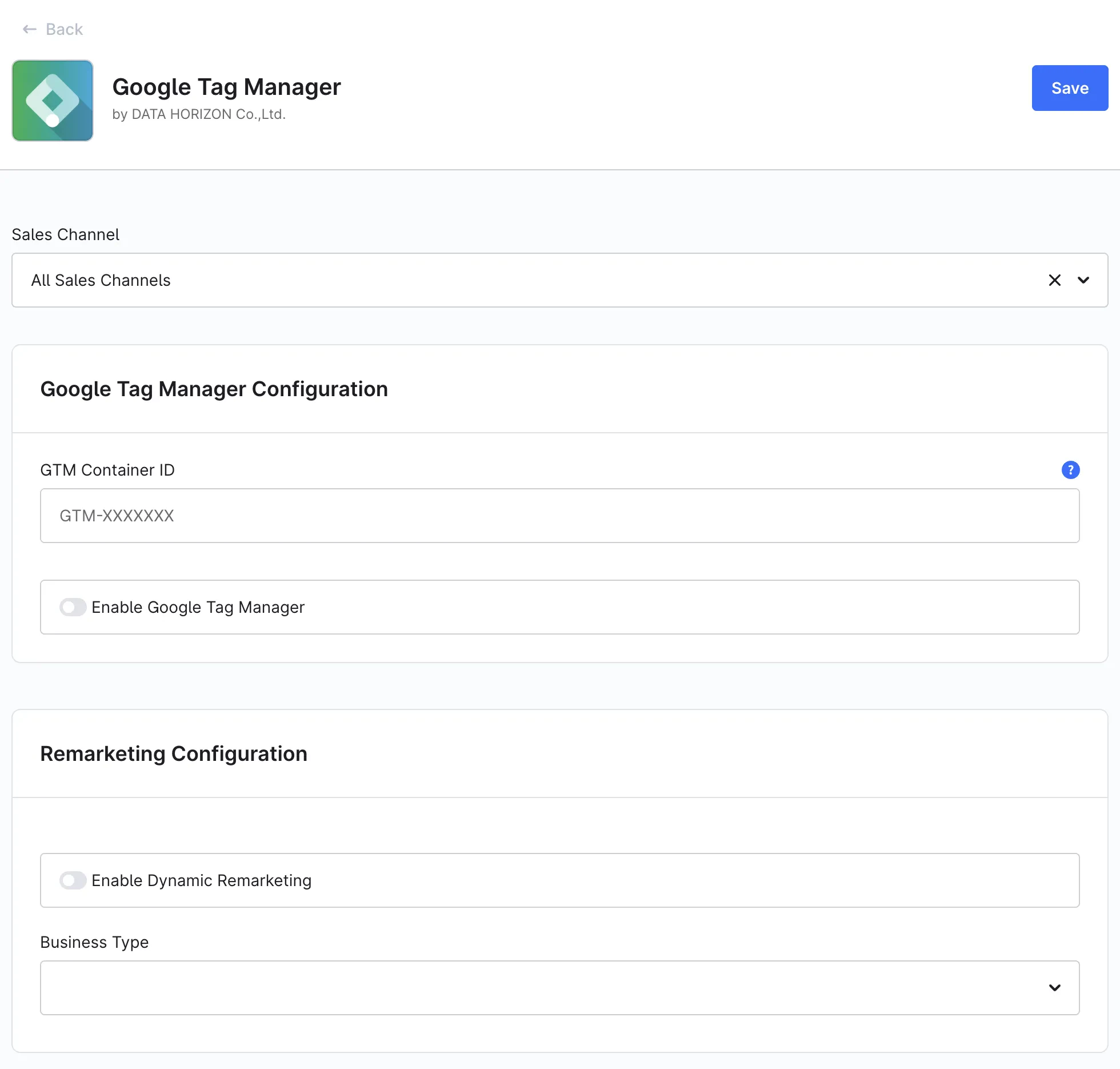
Enter your Container ID, enable the plugin, and the GTM snippet loads automatically. Shopper interactions — product views, cart actions, checkout steps, purchases, search, login, registration, and wishlist — are pushed to the dataLayer as standard GA4 ecommerce events with currency, value, and fully populated items arrays.
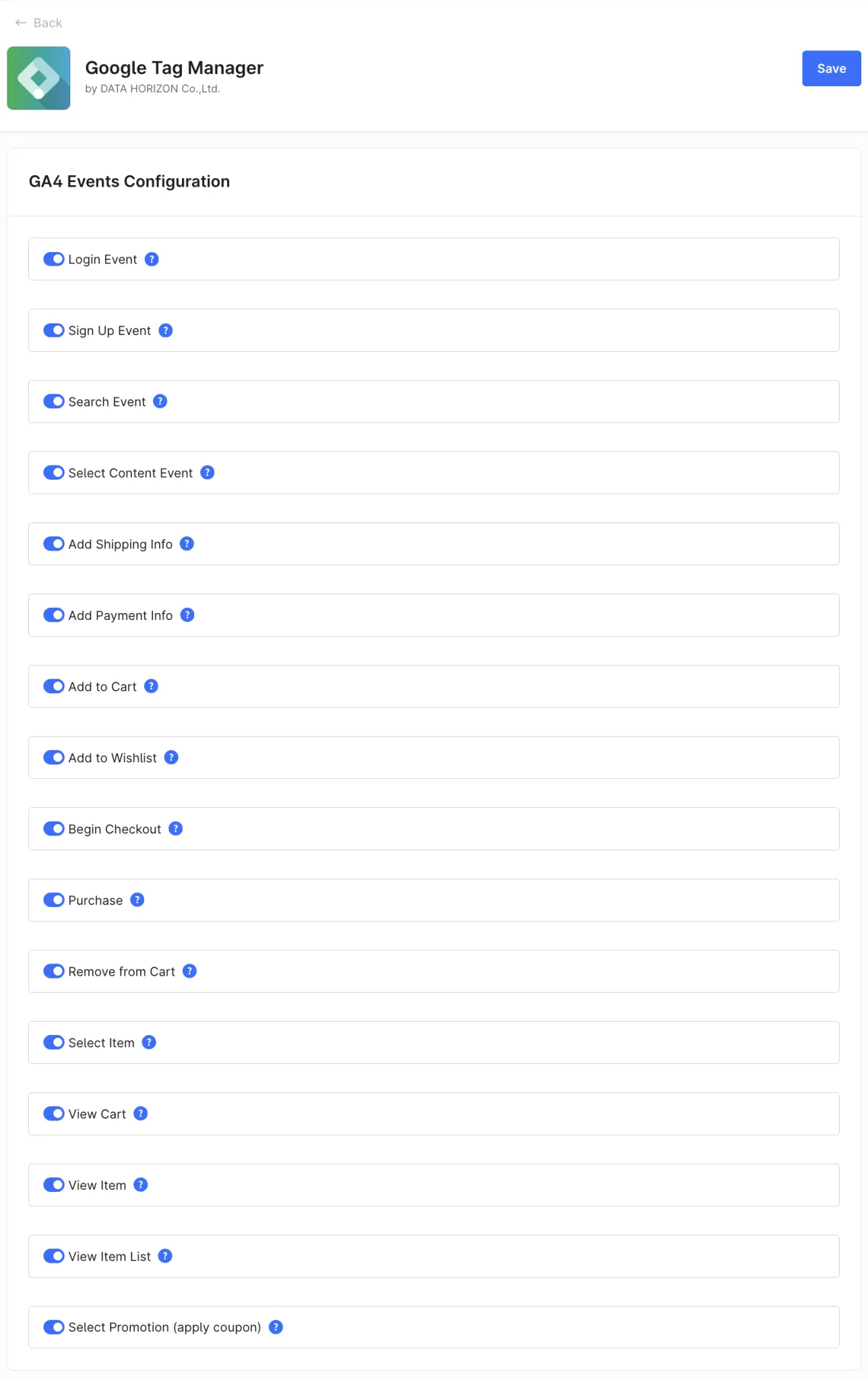
All events are on by default and can be toggled individually per sales channel. Form tracking via CSS selectors, coupon tracking with select_promotion, and per-channel Container IDs are configured directly in the Administration.
Key Features
- Automatic GTM Container Integration – Loads the GTM container automatically from the Container ID you enter in plugin settings; no theme changes needed.
- Full GA4 Ecommerce Event Set – Covers view_item_list, select_item, view_item, add_to_cart, remove_from_cart, view_cart, begin_checkout, add_shipping_info, add_payment_info, purchase, and more — including product impressions, cart and checkout interactions, shipping and payment selection, purchases and revenue tracking.
- Complete Product and Transaction Data – Each dataLayer event includes currency, value, and fully populated items arrays with product name, SKU, price, quantity, brand, and category.
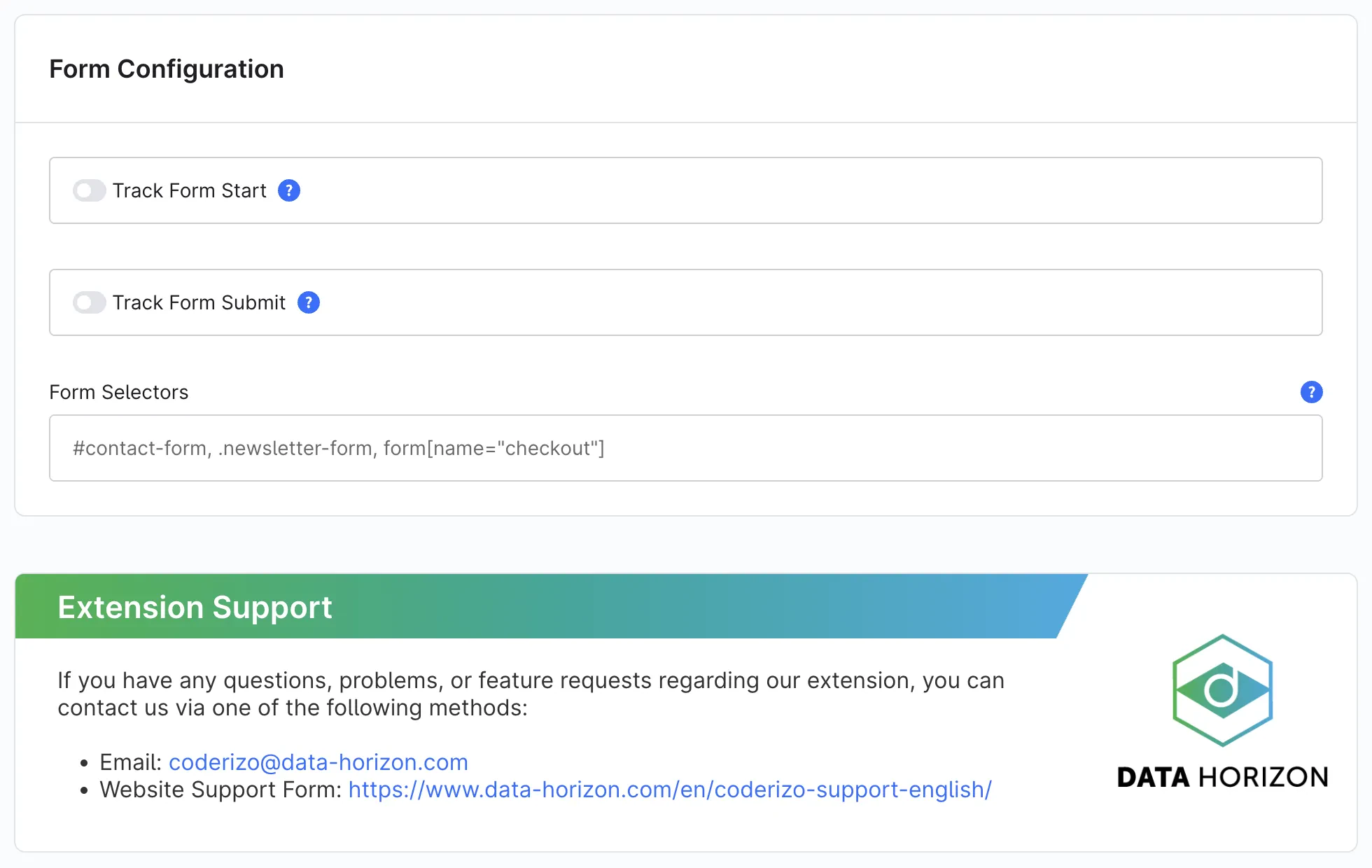
- Form Tracking – Optionally track form_start and form_submit for specific forms using CSS selectors — ideal for custom forms and lead generation.
- Coupon and Promotion Tracking – Fires select_promotion when a customer applies a coupon code and propagates the coupon parameter across all relevant checkout events.
- Wishlist, Login, Registration & Search – Tracks add_to_wishlist, login, sign_up, and search events out of the box.
- Consent Mode v2 – Updates analytics_storage, ad_storage, ad_user_data, and ad_personalization signals in response to the Shopware cookie banner — no additional GTM tag required.
- Native Shopware Cookie Consent Integration – Registers separate Statistics (Google Analytics) and Marketing (Google Advertising) cookie entries in Shopware's native cookie consent manager.
- Per-Event Configuration & Multi-Sales-Channel Support – Each GA4 event can be enabled or disabled individually in the Administration, scoped per sales channel with independent Container IDs.
- Remarketing Configuration – Includes a dynamic remarketing section for Google Ads remarketing tags.
More Than Just GA4
The standardized ecommerce data layer can be reused across the Google Tag Manager for Shopware 6 to power additional marketing and analytics platforms, including:
- Meta Pixel
- Google Ads
- TikTok Pixel
- LinkedIn Insight Tag
- Pinterest Tag
- Microsoft Advertising
- Custom tracking and remarketing solutions
Implement tracking once and activate it everywhere. Use the same ecommerce events and product data across all platforms to ensure consistent, reliable reporting and audience building.
Why should I use the Google Tag Manager for Shopware 6?
Ideal for merchants and agencies seeking a scalable, privacy-compliant, and future-proof tracking solution for Shopware 6. Works out of the box for single storefronts and scales to multi-sales-channel setups where each channel may have its own GTM container — without custom development.
Changelogs
2.9.0
Shopware version: 6.71st August 2026 (2 months ago)
- First public release version for Shopware 6.7.x in the Coderizo Marketplace
1.9.0
Shopware version: 6.61st August 2026 (2 months ago)
- Initial public release version for the Coderizo Marketplace supporting Shopware 6.6.x