Customer Email as Reply-To for Contact Forms
by DATA HORIZON Co.,Ltd.
Make replying to customer contact requests faster and more convenient.
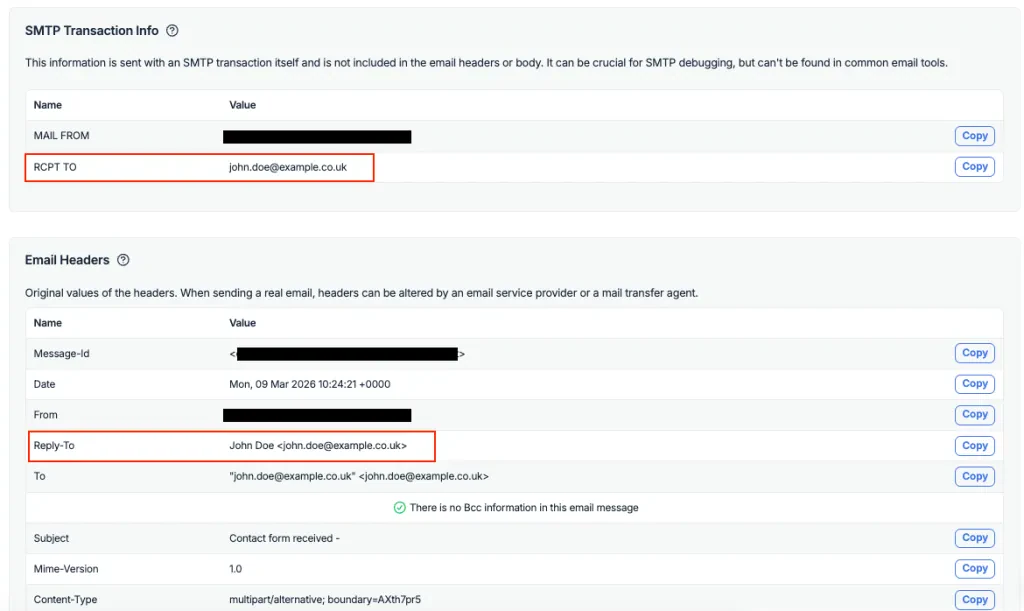
Customer Email as Reply-To for Contact Forms automatically sets the contact form submitter's email address as the Reply-To header in outgoing contact notification emails. This allows administrators and support teams to reply directly to customers with a single click—without manually copying the sender's email address.
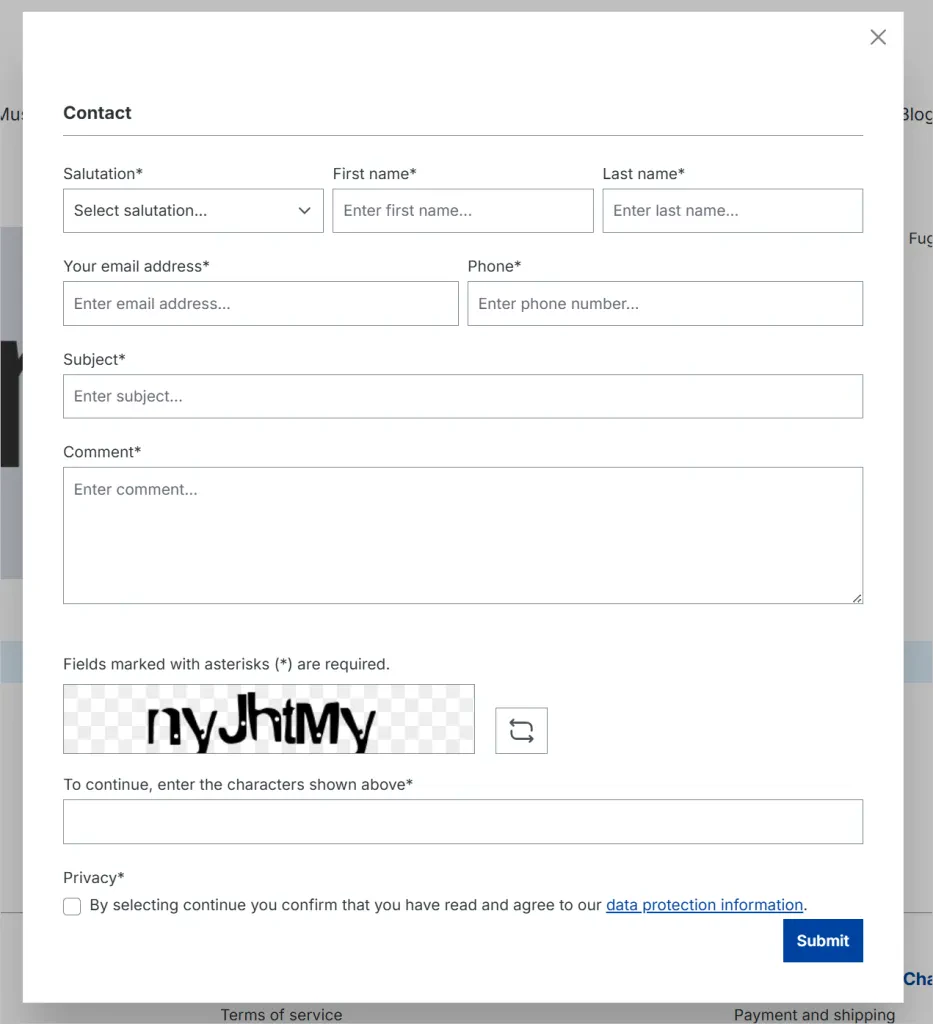
The plugin integrates seamlessly into Shopware's standard contact form flow by listening to Shopware's default contact form mail event. In addition to setting the Reply-To address, it also sets the customer's first and last name as the Reply-To name, keeping reply threads clearly labeled in your mail client.
All submitted values are validated and sanitized before being applied to the mail header, protecting against malformed headers and header injection attacks.
Key Features
- Automatic customer Reply-To address - Sets the contact form sender’s email address as the Reply-To address in the email, enabling one-click replies from your mail client.
- Automatic customer Reply-To name - Automatically uses first and last name as the Reply-To name.
- Works with the standard Shopware contact form - Applies specifically to Shopware’s default contact form mail event, so it works out of the box without changing templates or mail configuration.
- Safe input handling - Strict validation and sanitization to keep mail headers safe (anti header-injection) while ensuring a clean, valid Reply-To address.
Why Use Customer Email as Reply-To for Contact Forms?
In a typical Shopware setup, contact form notifications are sent from a fixed system address. Without a Reply-To header, responding to a customer requires manually locating and copying their email from the message body.
With Customer Email as Reply-To for Contact Forms installed, your team can reply instantly using the email client's Reply button. This eliminates manual steps, reduces errors, and speeds up customer support workflows—while keeping mail header handling strict and safe.
Changelogs
2.1.0
- First public release version for Shopware 6.7.x in the Coderizo Extension Store
1.2.0
- Initial public release version for the Coderizo Extension Store supporting Shopware 6.6.x