
Bulk Order Processing
by DATA HORIZON Co.,Ltd.
Process multiple orders at the same time to speed up order management.
Bulk Order Processing allows administrators and authorized staff to perform actions on multiple orders simultaneously, reducing repetitive manual work and saving valuable time. Tasks such as updating order statuses or generating documents can be completed in bulk instead of being handled one by one.
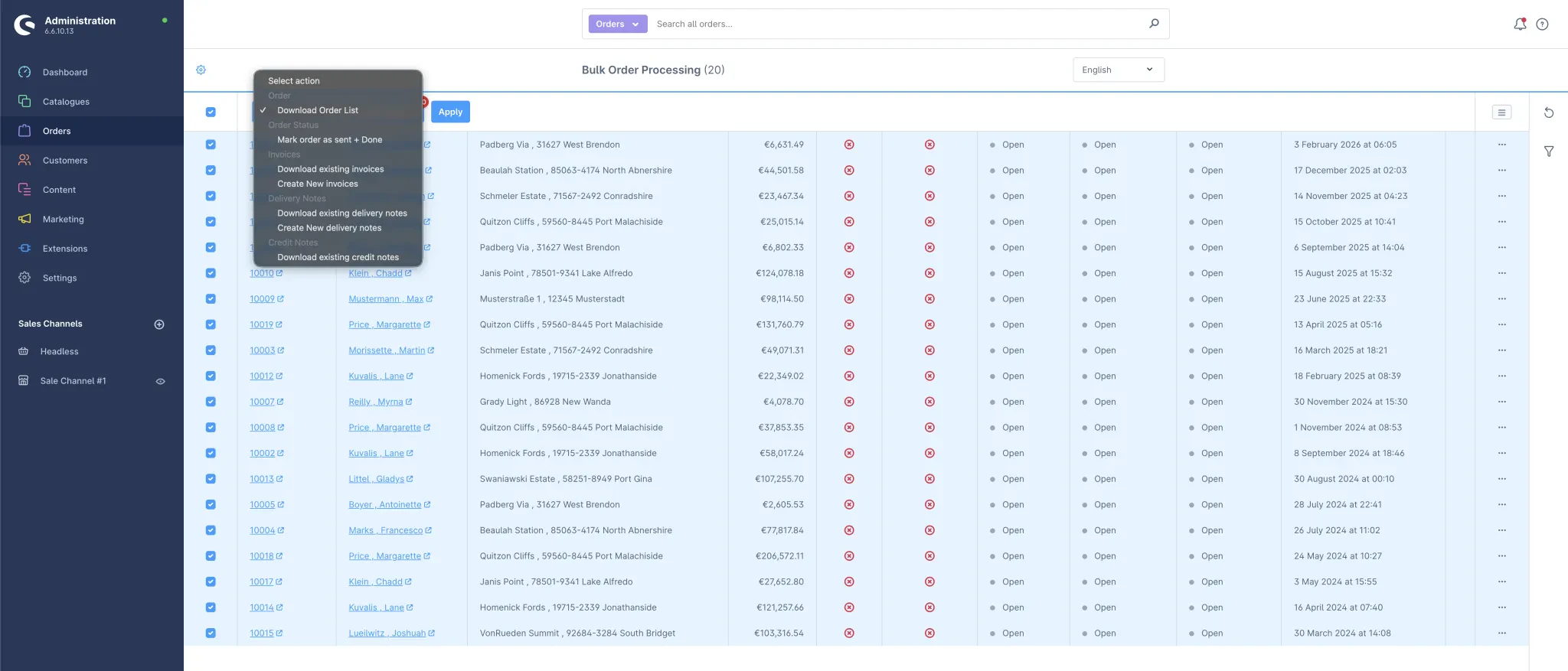
The plugin integrates seamlessly into the Shopware administration panel and extends the standard order list with bulk actions. Administrators and staff can select multiple orders and apply actions such as status updates, document generation, or PDF export with a single click.
All operations include validation and error handling, and the system provides clear feedback on successful and failed actions.
Key Features
- Bulk Status Updates – Update order, payment, and delivery statuses for multiple orders at once.
- Bulk Document Generation – Create invoices, delivery notes, and credit notes for selected orders.
- Order List PDF Export – Export selected orders as a formatted PDF report.
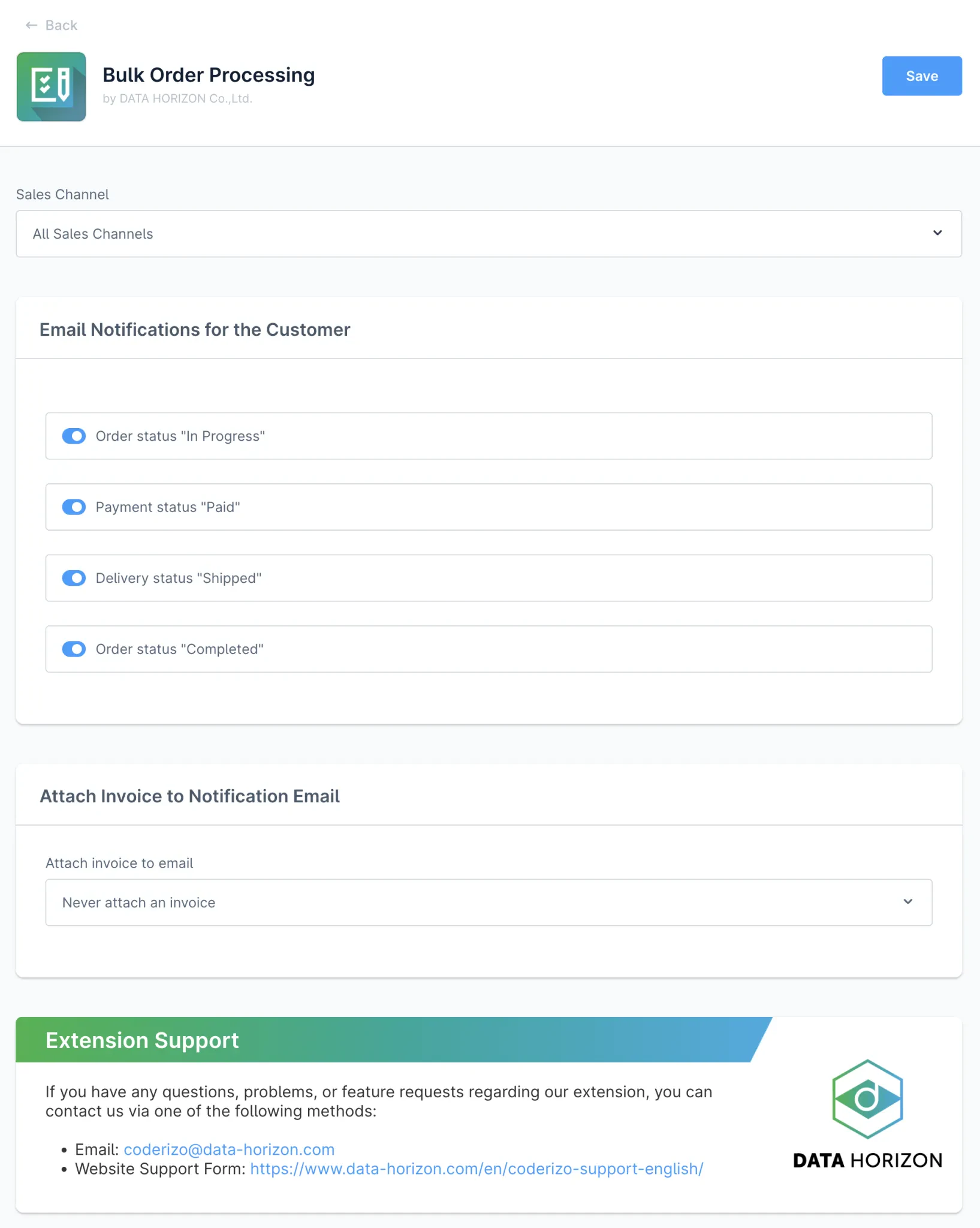
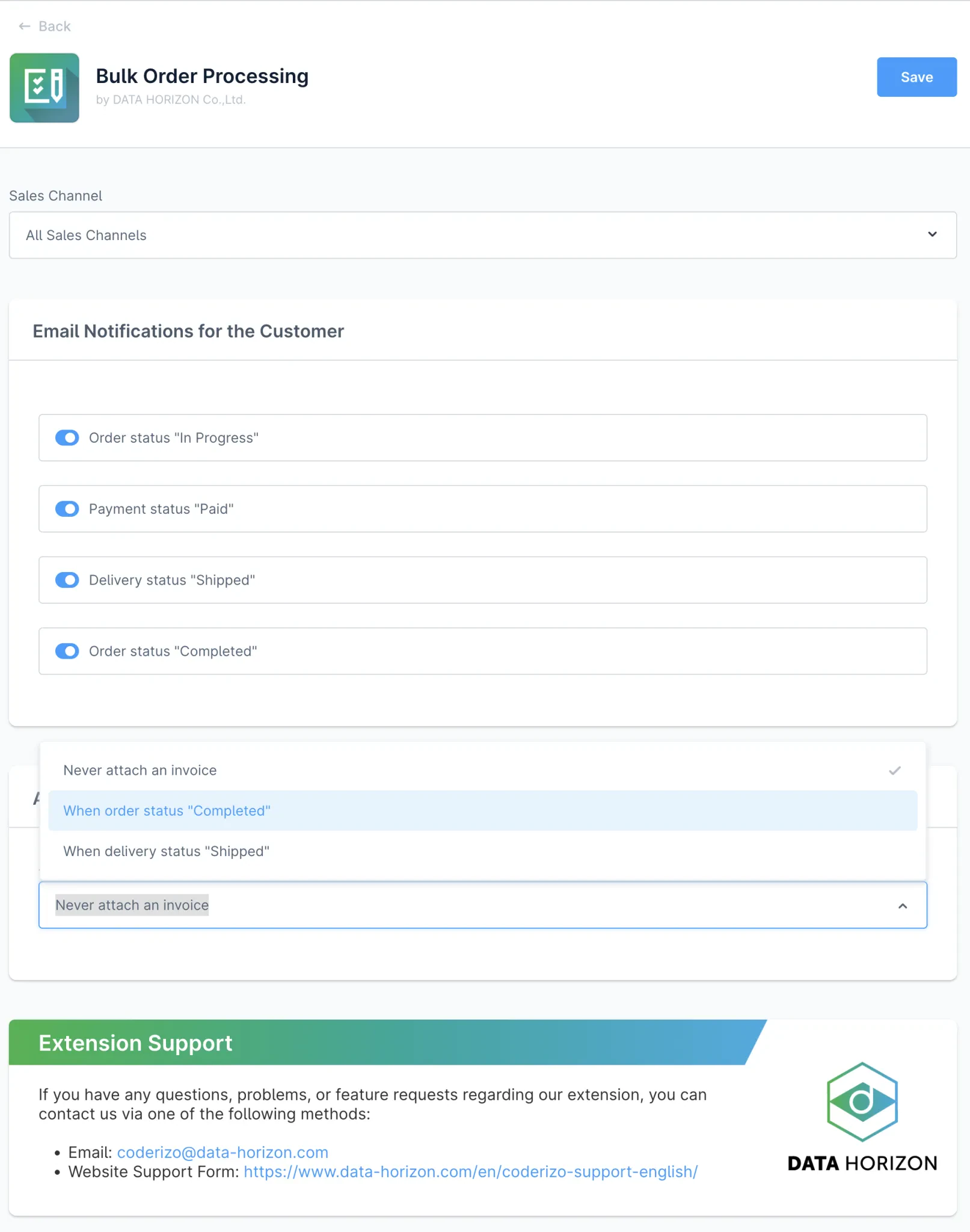
- Automated Email Notifications – Send customer emails when order statuses change.
- Document Status Indicators – Show whether invoices or delivery notes already exist for each order.
- Batch Processing with Feedback – Display processing results for each order after completion.
- Flexible Document Handling – Create new documents, create documents only if missing, or download existing ones.
Why Use Bulk Order Processing?
In a typical Shopware setup, order management is often a manual process. Teams must open each order individually to update statuses, generate documents, and send notifications. This can take a significant amount of time when handling large numbers of orders.
With Bulk Order Processing, teams can process many orders in seconds. Simply select the orders, choose an action, and run the process. This reduces manual effort, saves time, and lowers the risk of errors while maintaining full control over the workflow.
Changelogs
1.8.0
19th March 2026 (2 months ago)- Initial public release version for the Coderizo Extension Store supporting Shopware 6.6.x