
Holy Grail AI Chatbot
by Holy Grail GmbH
Holy Grail Chatbot for Shopware
> AI-powered chatbot, intelligent product discovery, and real-time order status — built natively into your Shopware storefront.
Overview
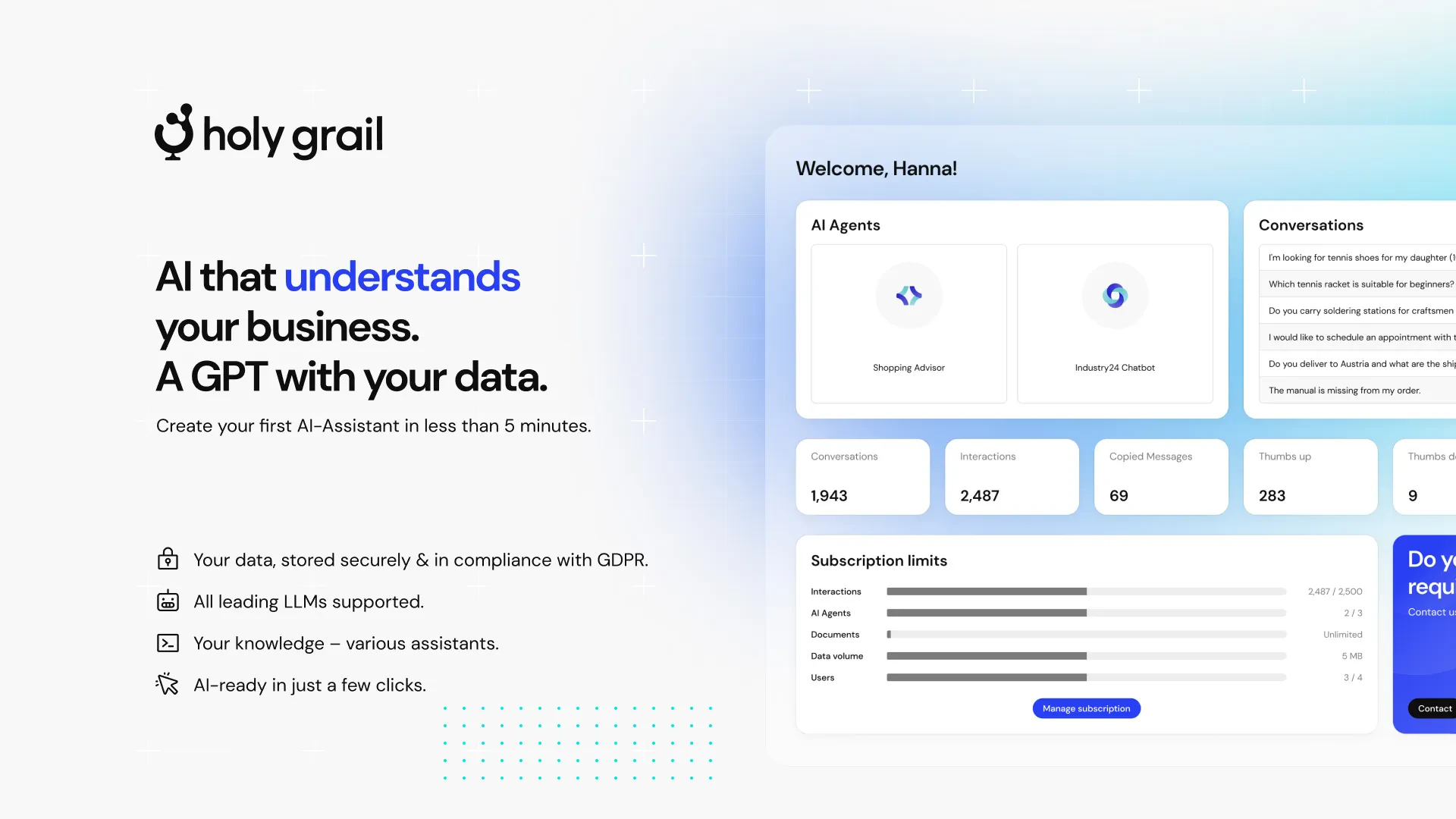
Holy Grail Chatbot turns your Shopware shop into a 24/7 AI shopping assistant. Customers chat directly on your storefront to discover products, get personalised recommendations, and check their order status — all without leaving your site. Your knowledge base stays automatically up to date through a built-in webhook sync, so the bot always answers based on your latest catalog and content.
Features
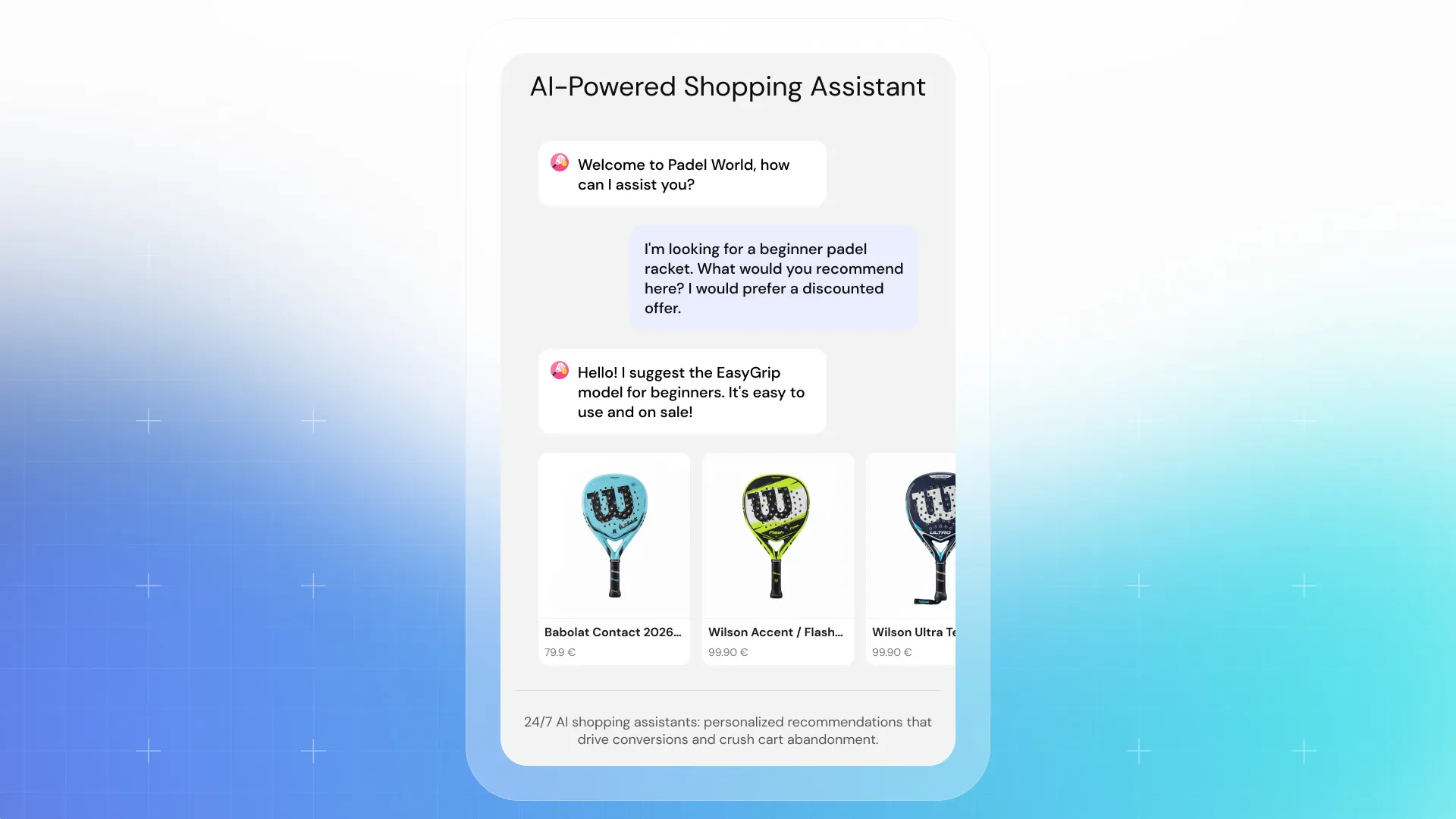
1. AI-Powered Shopping Assistant
A conversational chat widget on your storefront where customers can ask anything about your shop. The bot:
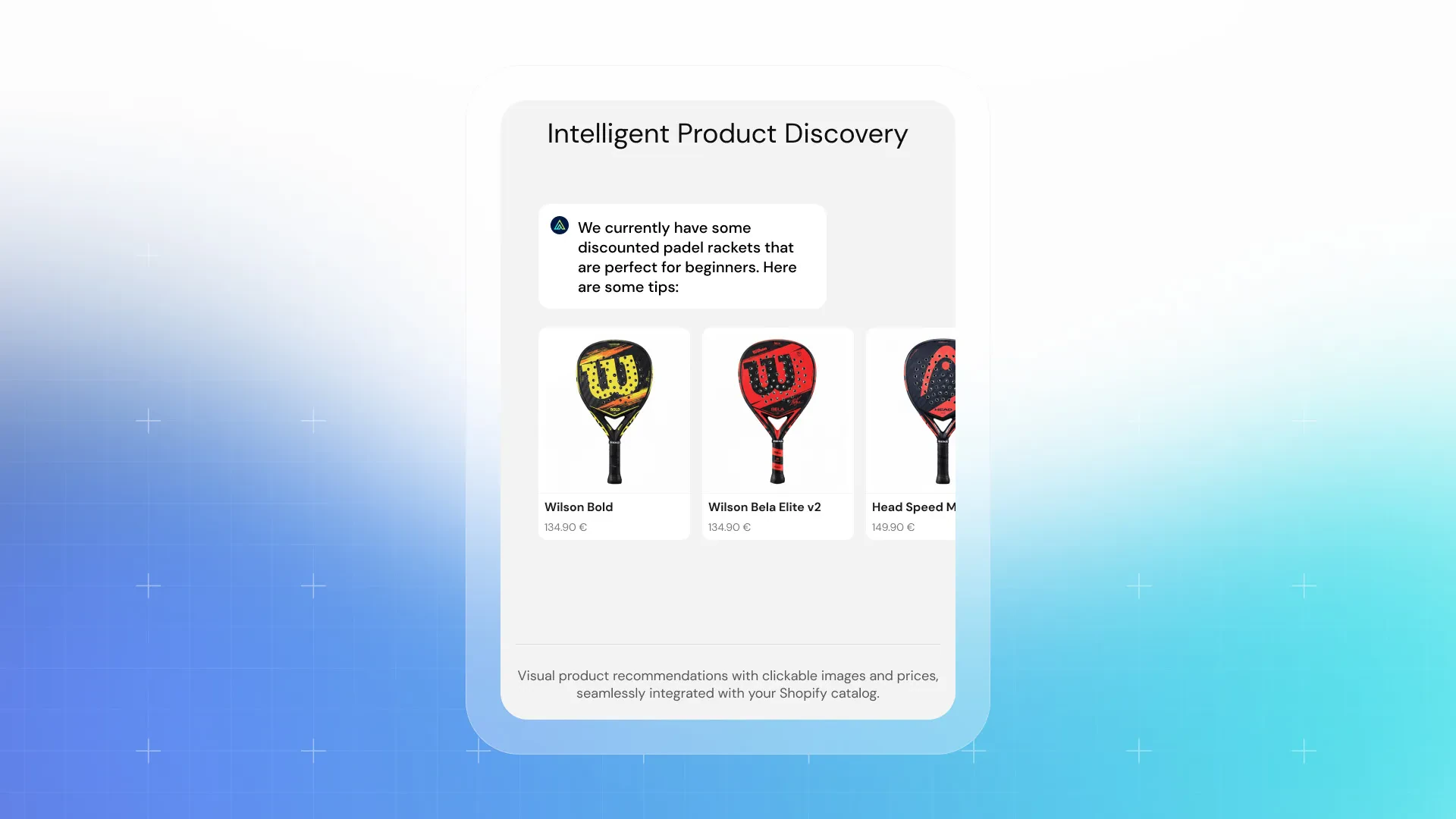
- Provides personalised product recommendations with images and prices.
- Renders clickable product cards that take customers directly to the product detail page.
- Adapts to your brand voice and product catalog.
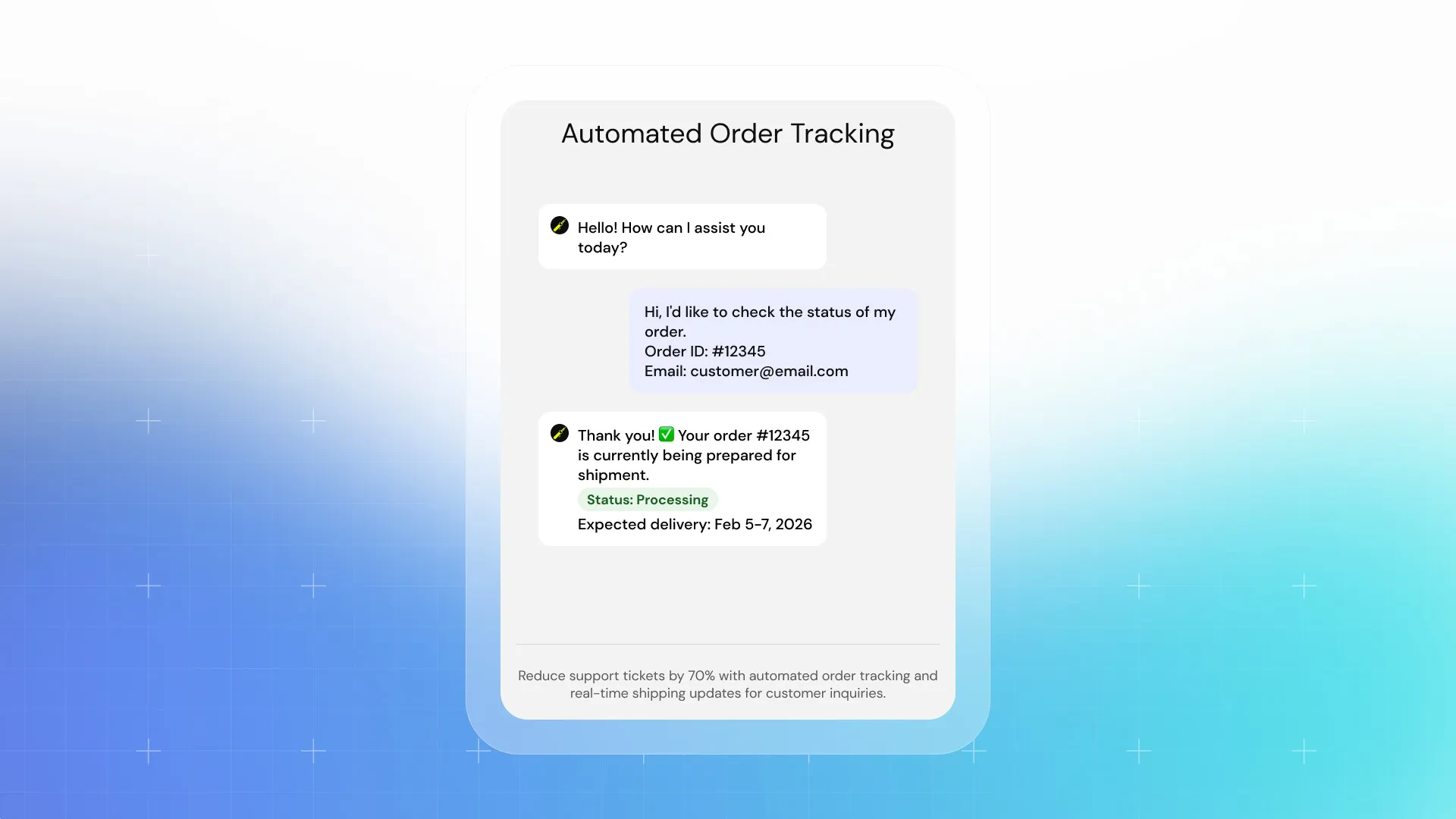
2. Order Status Tracking via API
Customers can check their order status without leaving the chat:
- Bot asks for Order Number and email address to verify identity.
- Real-time status is fetched directly from the Shopware Order API.
- Merchants can enable or disable this feature with a single toggle in the plugin settings.
3. Automated Knowledge Source Sync via Webhook
Keep the chatbot's knowledge base in sync with your shop — automatically:
- When a product or category is updated in Shopware, a webhook is triggered.
- Holy Grail crawls the updated content and refreshes its knowledge source.
- Webhook Endpoint URL, Authorization Token, and entity toggles are configurable in the plugin settings.
Configuration
After activation, open the plugin settings:
Extensions → My extensions → Holy Grail Chatbot → Configure
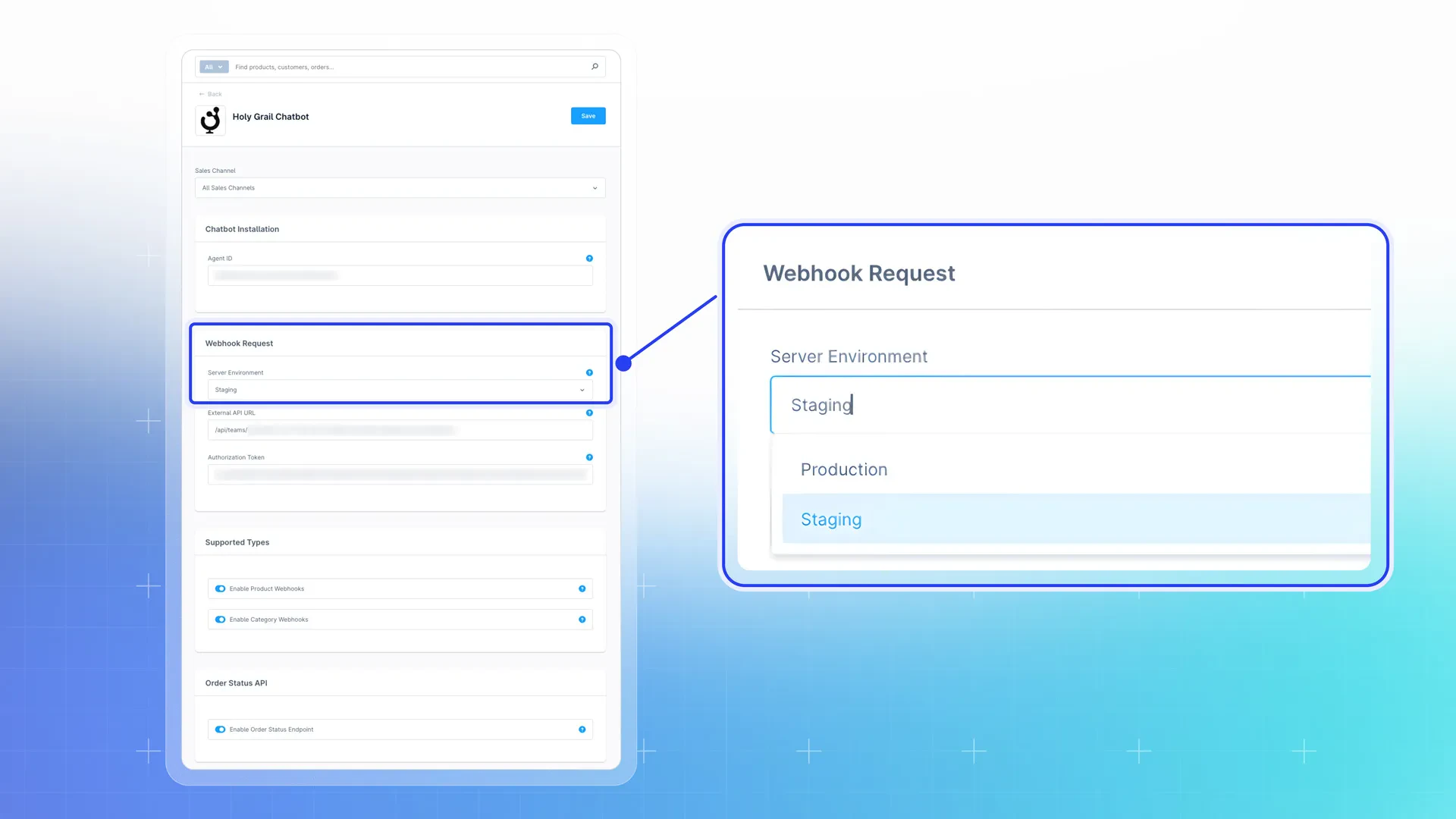
You will be taken to the Holy Grail Chatbot settings page where you can configure:
- Agent ID: Your Holy Grail Agent ID is provided on installation page in the Holy Grail app under AI Assistants.
- Server Environment: Select `Production` or `Staging` — determines which Holy Grail server receives webhooks and serves the chatbot script.
- Webhook Endpoint: API path that Shopware calls when product or category content changes — pre-filled with your Holy Grail webhook URL.
- Authorization Token: Token used to authenticate webhook calls and order status API requests between Shopware and Holy Grail.
- Enable Product Webhooks: Toggle webhook notifications when products are created, updated, or deleted.
- Enable Category Webhooks: Toggle webhook notifications when categories are created, updated, or deleted.
- Enable Order Status API: Enable or disable the real-time order status endpoint used by the chatbot.
Save the settings and the chatbot will appear on your storefront automatically.
> **Tip:** Visit the Holy Grail dashboard to manage the bot's persona, train custom answers, and view analytics.
Requirements
- Shopware 6.5 or higher
- PHP 8.1 or higher
- Active Holy Grail account (https://my.holygrail.app)
- Outbound HTTPS connectivity from your Shopware server to the Holy Grail API
Support
- Email: hello@holygrail.app
About Holy Grail
Holy Grail is an AI agent platform that helps online merchants deliver smarter, faster, and more personal customer experiences. Learn more at https://www.holygrail.app/.
Changelogs
0.4.4
12th May 2026 (2 weeks ago)- Initial public release version for the Coderizo Marketplace